

Searching for a broadband deal with no upfront fees?
In this article, we’ve taken a look at some of the best broadband plans on the market that have no setup costs, meaning there’s no payment required to get started.
Later on, we’ve also explained some key things to consider when shopping for a broadband deal with zero upfront costs, so you can find the right plan for your specific needs.


Best broadband deals with no setup fee
In this part, we’ve taken a look at five of the best broadband deals with no setup fee on the market right now.
1. EE Full Fibre 900
EE now has no upfront fees on basically any of its broadband deals, and their Full Fibre 900 plan never has upfront costs.
This provider offers WiFi 7 routers on all of their deals as standard rather than the WiFi 5 or 6 devices that most other providers offer, meaning you can easily get good signal and speeds throughout the house, even in a large property.
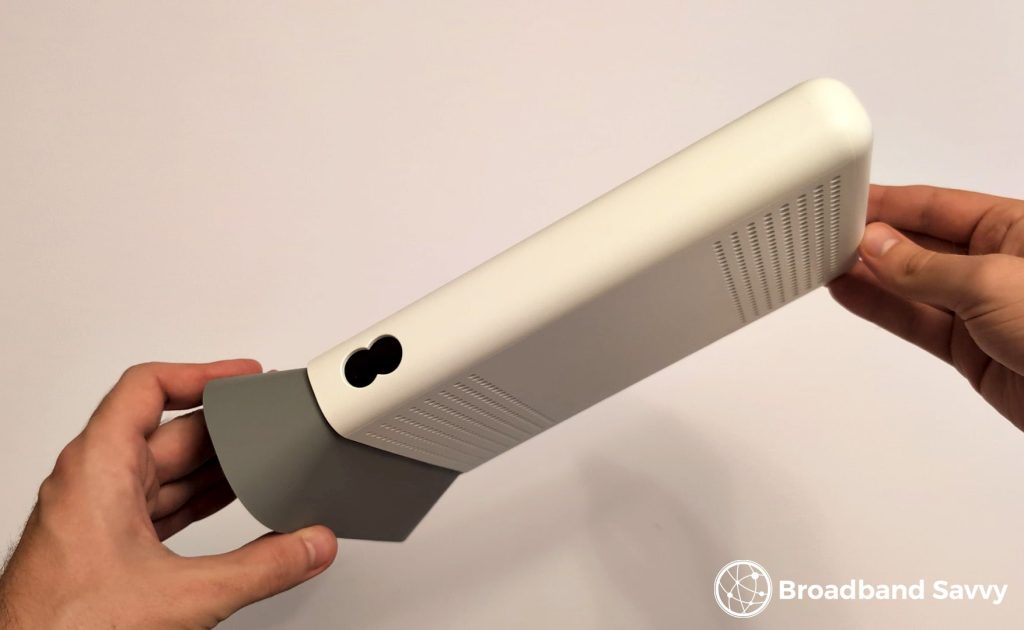
EE Broadband is very consistent in our experience, and they also have good UK-based customer service.
The default commitment is 24 months, but EE offers the option of a 12 month contract with no upfront fees, which is very rare to see these days – just click the 12 month option on the left after putting in your postcode on the EE Broadband website.
Their monthly costs are reasonable, especially given the WiFi tech they include, and EE Broadband also offers extra benefits for EE Mobile customers, such as free upgrades to unlimited data on your phone plan, and the ability to buy additional SIMs for a cheaper price.
The only downside to Full Fibre 900 is, it can be quite a bit more expensive than EE’s other deals. We recommend checking out EE Full Fibre 500 as well, especially if you don’t typically have a lot of different devices online at once.
Pros
- Great value for money.
- 12 month deals available with no setup fee.
- Includes WiFi 7 routers as standard.
- Consistent performance in our experience.
Cons
- Full Fibre 900 can be a bit expensive relative to EE’s other deals.
2. Vodafone Pro 3 Broadband
There are no upfront fees on any Vodafone Broadband deal, which is great – but before buying, you need to know how their tariffs are structured, so you know which deal to choose.
Vodafone offers very fast download speeds of up to 900 Mbps in most parts of the UK, or up to 2.2 Gbps (2,200 Mbps) in CityFibre areas.
For each speed tier, there are three different types of plan to choose from:
- Full Fibre – basic, often one of the cheapest broadband plans on the market from any provider with a comparable download speed. Comes with a WiFi 6 router as standard.
- Full Fibre + WiFi booster. Same as the above, but includes a WiFi booster to help you get better signal at long range from the router.
- Pro 3 Broadband – comes with Vodafone’s Ultra Hub 7 WiFi 7 router, WiFi extenders (up to three, depending on your needs), and a 4G broadband backup device, keeping you online if your fibre ever goes down.
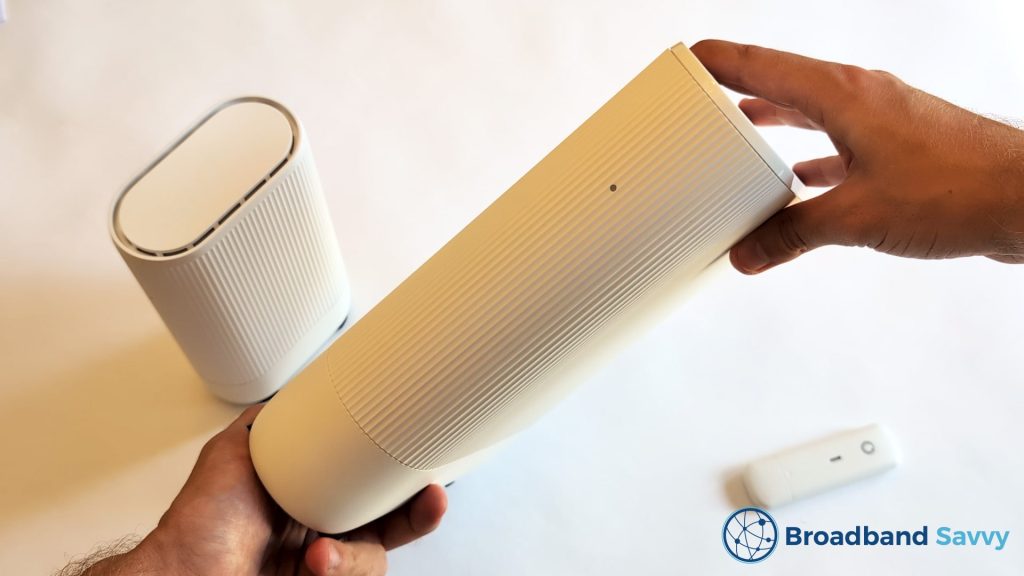
Vodafone’s Pro 3 plans can be expensive, especially if you get one of their faster broadband plans.
However, if you’re looking for a broadband deal with no upfront costs and a lot of value included, especially when it comes to WiFi tech, Vodafone Pro 3 is a great choice.
And we also think that Vodafone’s more basic deals, with their Power Hub WiFi 6 router, are also really good value for money if you’re looking to spend as little as possible.
Pros
- Really good WiFi tech, including signal boosters.
- Very fast download speeds.
- Includes a mobile broadband backup device.
- Basic deals are really good value.
Cons
- Pro 3 plans are slightly expensive.
3. Three 5G Hub
This is almost always one of the cheapest superfast broadband deals in the UK – it’s almost hard to believe it has no upfront fees, given the monthly costs on offer.
The Three 5G Hub is a 5G router and unlimited data SIM card combo.
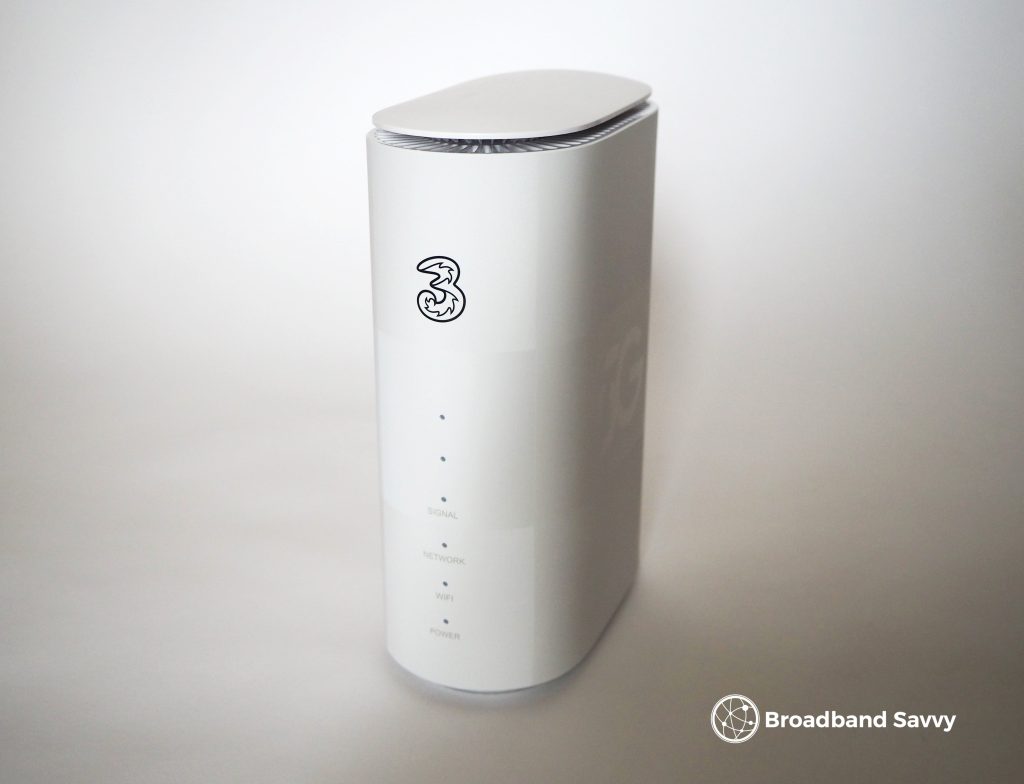
Instead of plugging into a broadband socket, this device uses the 5G network to get online, meaning you can use it anywhere in the UK with 4G or 5G signal.
The 5G Hub is very portable and easy to get started with. All you need to do is insert the SIM card into the router, plug it in, and turn it on – no engineer visit needed.
We tend to get download speeds of about 300-500 Mbps with this router, but the speeds you’ll get depend on the strength of the 5G network in your area.
The speeds aren’t as consistent as using fibre, and neither is the latency, but the 5G Hub still offers a solid internet experience from our testing, including when gaming.
Fortunately, Three has a 30-day money-back guarantee on this device, allowing you to test the speeds and see what they’re like before committing to the 24 month contract.
Pros
- Very low monthly costs.
- Easy to get started with.
- Fast download speeds.
- 30 day money back policy (which most fibre providers don’t offer).
Cons
- Less consistent speeds than fibre broadband.
4. BT Full Fibre 500
BT now has no upfront fees on most of its broadband deals. It’s typically their faster, more expensive plans, like Full Fibre 500, that have no cost to get started.
We typically recommend EE Broadband over BT because they’re both essentially the same company, with almost the exact same service, but EE offers better WiFi routers, and faster maximum download speeds.
However, BT can offer better value for money some of the time, depending on the deals they’re currently running. They still have good customer service, just like EE.
Plus, BT usually includes quite a large reward card for new customers when you buy, especially on their more expensive plans, valued at around £50-£100. You can use this at most places that accept debit cards, like supermarkets and restaurants.
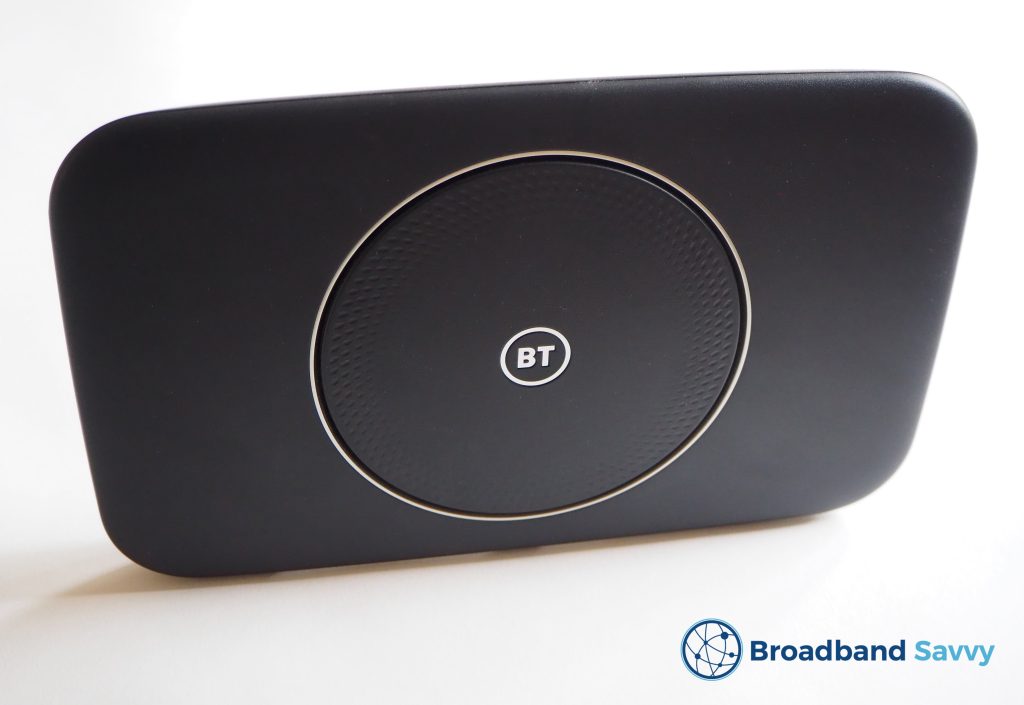
We just wish BT would ship a more updated router than the WiFi 5 Smart Hub 2 you currently get when you sign up.
Pros
- Usually comes with quite a large reward card when you buy.
- Good value for money.
- Helpful, UK-based customer service.
Cons
- WiFi 5 router doesn’t perform the best.
5. Virgin Media Gig1
Virgin Media is another major provider that has recently cut its upfront costs to zero on basically all of its plans.
At many addresses, Virgin Media is the fastest broadband provider available. Their Gig1 plan has download speeds of 1,130 Mbps, and in some areas, you can now get Virgin Media Gig2, which offers download and upload speeds of 2,000 Mbps.
Virgin Media is a great choice if you want broadband and TV, and their broadband-only deals are great value – it’s only once you begin adding things like cable TV or bundled O2 SIM cards that Virgin Media begins to get expensive.
They’re now shipping their WiFi 6 Hub 5 router on all plans, which is a significant upgrade over the old Hub 3. And speaking of O2, if you’re a pay monthly mobile customer with them, you’ll get a free speed upgrade on your Virgin Media broadband deal when you sign up.
Just note that in many areas serviced by their old cable technology, Virgin Media’s upload speeds aren’t as good as the likes of EE.
Also, once your 24 month contract runs out, the monthly cost will rise significantly, so make sure to re-contract or switch providers when that happens.
Pros
- Fast downloads (and uploads in some areas).
- Great choice for broadband and TV.
- Good WiFi 6 router.
- Benefits on offer for O2 Mobile customers.
Cons
- Larger than average out-of-contract price increases.
- Not the best upload speeds in non-full-fibre areas.
How to choose a no setup fee broadband deal

Below, we’ve explained some key things to consider when shopping for a broadband deal with no upfront fee.
Which broadband providers offer broadband deals with no upfront fees?
Many broadband providers have removed the upfront fees on most of their broadband deals over the last few years or so.
This is because most companies have changed from 12 or 18 month to 24 month default contracts, meaning they no longer need to charge an upfront fee on their plans, since you’re locked in for longer as a customer.
Broadband plans with no installation costs are available with the following providers:
- EE
- Vodafone
- Three
- BT
- Virgin Media
- Sky Broadband
- NOW Broadband
- TalkTalk
- Plusnet
- Community Fibre
Note that with some of these providers, such as EE and BT, they do sometimes charge an upfront fee on some of their cheaper deals. However, most of the time, none of their tariffs come with setup costs.
What is the catch of broadband deals with no setup cost?
The main requirement of broadband deals with no upfront fees is that you sign a 24 month contract.
Shorter-term 12 month contracts do exist, but these sometimes come with an upfront fee.
Apart from this, there are no downsides to choosing a broadband deal with no upfront costs – this is the usual type of broadband deal you will find on the market at the moment.
Can I get a 30-day or 12-month broadband deal with nothing upfront?
There are a number of 12 month broadband deals that come with no upfront fee, such as:
- EE’s 12 month broadband deals (put in your postcode then look for the 12 month option on the left)
- BT’s 12 month broadband deals
- BT’s student broadband deals (for university students only)
Rolling monthly broadband deals are harder to come by, and almost always come with an upfront fee.
However, Virgin Media has 30-day rolling contracts with no setup fees, though the monthly costs are about double to triple the regular price.
Will I have to pay for an engineer visit to get set up?
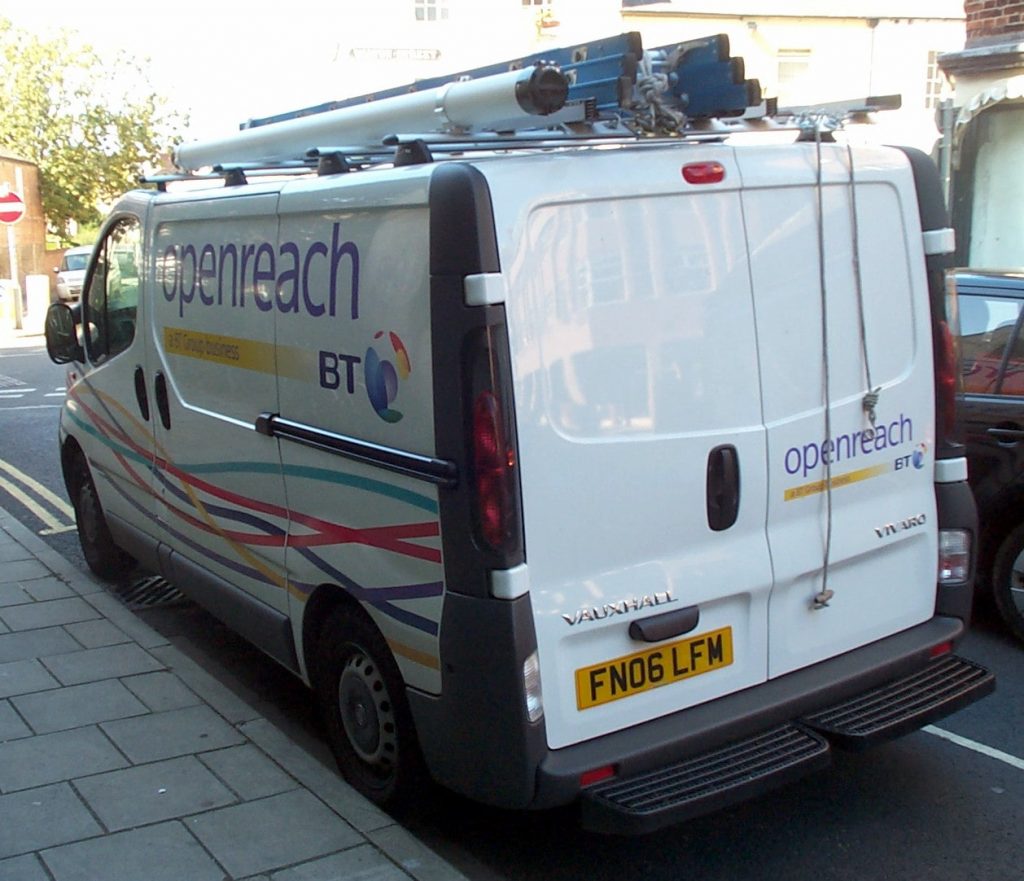
If you’re switching to a new broadband network for the first time, an engineer visit will usually be necessary to finish setting up your connection. However, you do not generally need to pay extra for this.
If there is an installation fee, this will be communicated to you clearly during the checkout process.
The one exception to this is missed appointment fees. If you book in an engineer visit and are not available at the time you said you would be, some providers, such as Virgin Media, will charge a missed appointment fee, or charge a fee to book in a second appointment.
Do I own the router I’m sent?
Part of the reason broadband providers are able to offer deals with no upfront costs that still include everything you need to get online is, you don’t own the WiFi router that they send you.
At the end of your broadband contract, or when you switch providers, you’ll need to return the router to your broadband supplier, so if you decide to switch to a different device, make sure to keep the default one somewhere safe.
You’ll normally get a postage-paid envelope you can use to return the router in the mail at the end of your contract.
Will I need to pass a credit check?
You will generally need to pass a credit check to buy a broadband contract in the UK.
Fortunately, this is relatively straightforward if you have good credit. You just need to provide some details when signing up, such as your employment history, and how long you’ve been at your current address.
If you have bad credit, the most lenient providers in this regard are TalkTalk and NOW Broadband.
What broadband speed do I need?
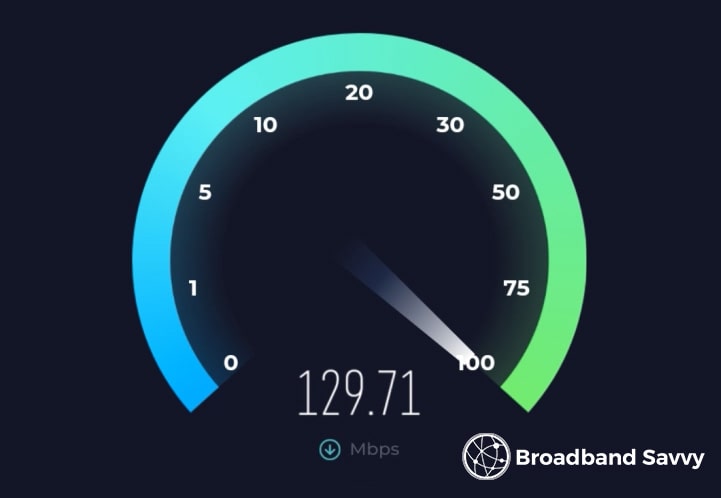
Choosing the right broadband speed is a much more important decision than many people realise.
If you don’t have enough bandwidth, you’ll experience slowdowns and buffering, especially when multiple people get online at the same time. But if you get more speed than you really need, you’ll be locked into paying too much for broadband for the life of the contract.
If you’re a bit unsure how much broadband speed it’s really worth paying for, you can use our internet speed needs calculator to get an idea of a minimum download and upload speed to buy.
In broad terms, for small households and families, a 100 Mbps download speed is generally plenty. For larger families, 200-300 Mbps is a good minimum, especially if you often work from home or download large files.
How to save money on broadband
Apart from ensuring that you get the right amount of bandwidth for your needs, there are some other ways you can save money on broadband at home.
- Choose a 24 month contract if possible. Short-term broadband deals have higher monthly costs.
- Choose a basic broadband provider, or a provider that offers very basic deals with few extras, like Vodafone’s first tier of tariffs.
- Avoid adding on any other extras, such as cable TV or WiFi extenders, unless you really need them.
- If you have a pay monthly phone plan, consider bundling your broadband and mobile tariffs with the same provider to get a discount, like what Vodafone offers.
- Choose a provider with a really good WiFi router so you do not have to buy your own one. EE is a great choice in this regard.
Conclusion
You’ve reached the end of our guide to the best broadband plans with no setup costs on the market right now.
For most people, EE and Vodafone are really good choices if you’re looking for a broadband deal with no upfront costs.
If you’re still not sure which broadband deal to choose, leave us a comment below, and we’ll get back to you as soon as possible.
Related posts



About the author

Tyler is the co-founder of Broadband Savvy. He has been helping people improve their broadband connectivity since 2018 by writing about fibre broadband and mobile broadband providers, as well as creating tutorials to help people improve their broadband speeds and Wi-Fi signal.
Tyler is responsible for the majority of buyer’s guides and broadband reviews published on Broadband Savvy. He has a wealth of experience testing and reviewing different broadband tariffs, including fibre internet plans, as well as 4G and 5G broadband deals. He is responsible for testing and evaluating Wi-Fi routers, performing speed and latency tests, and comparing the value for money of different broadband providers on the market in the UK.
Before co-founding Broadband Savvy, Tyler had a long history of tinkering with computers. He built his first PC at the age of 12, and since then, he’s become obsessed with all things networking and internet-related. He’s a massive gamer, loves Rocket League, and also plays Sunday League football.