
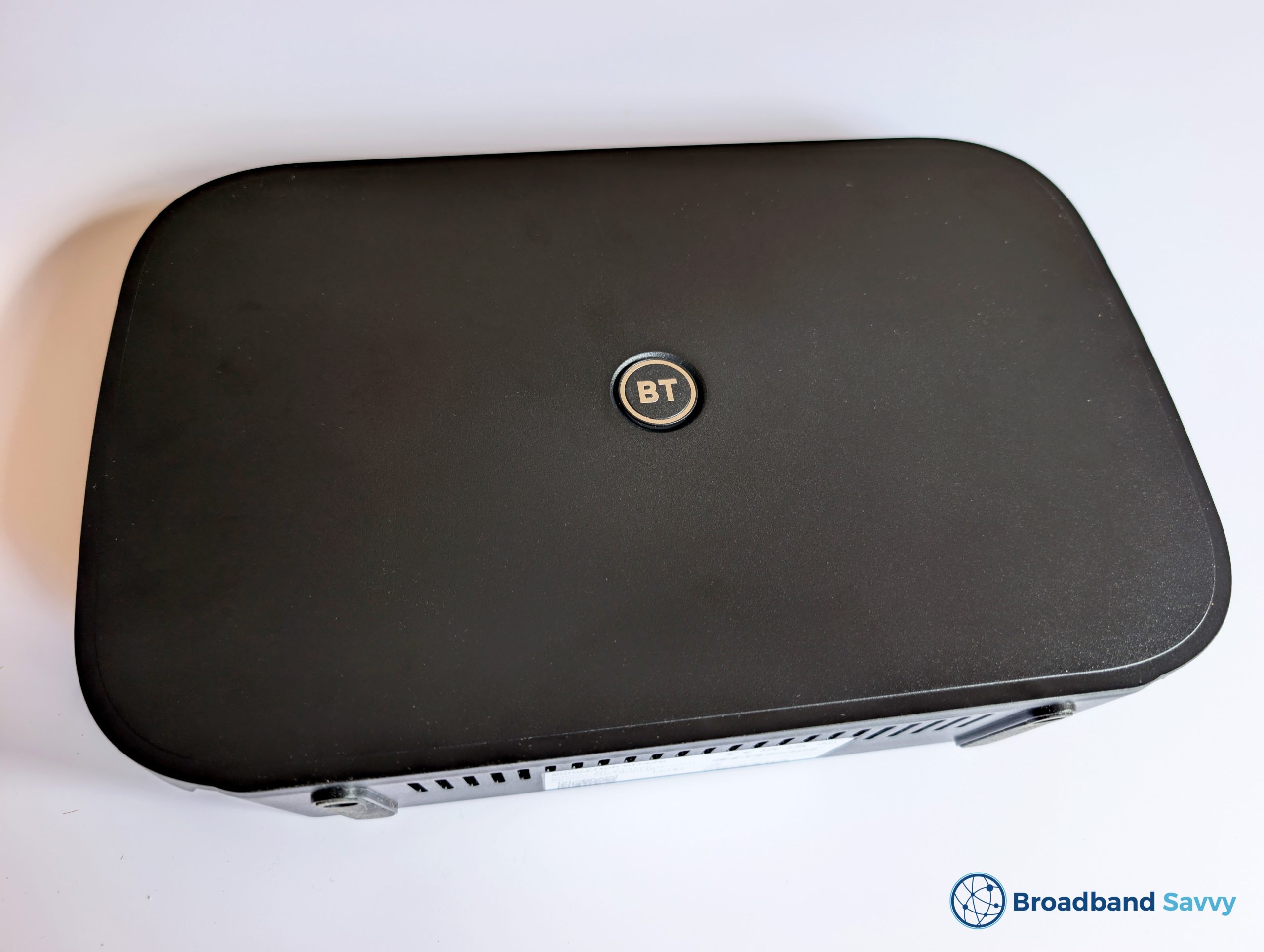
Considering buying BT Broadband, and wondering if their Smart Hub 3 router is any good?
Today, we’ve got hold of the Smart Hub 3 and tested its real-world performance, to see if you should buy a BT Broadband deal that comes with this router.
But before we begin, if you’re considering buying BT Broadband, use this hidden page on their website to see their best deals, which are often cheaper or come with a reward card not available on their main broadband deals page.
Contents
Router overview
| Brand | BT |
| Name | Smart Hub 3 |
| Dimensions | 28x18x7cm (approx.) |
| Maximum download speed | 2,400 Mbps |
| Ethernet ports | 4x 1 Gbps LAN + 1x 2.5 Gbps WAN |
| Broadband protocols | FTTP |
| Digital voice protocols | DECT |
| WiFi | Dual-band Wi-Fi 6 802.11ax 4 x 4 MIMO + 802.11b/g/n 3 x 3 MIMO (2.4 GHz and 5 GHz) |
| Maximum connected devices | 100 |
| Colour | Black |
| Our rating | 4.3 (out of 5) |
| BT Broadband Pricing | Check on BT |
The BT Smart Hub 3 is a WiFi router currently being shipped to new BT fibre broadband customers.
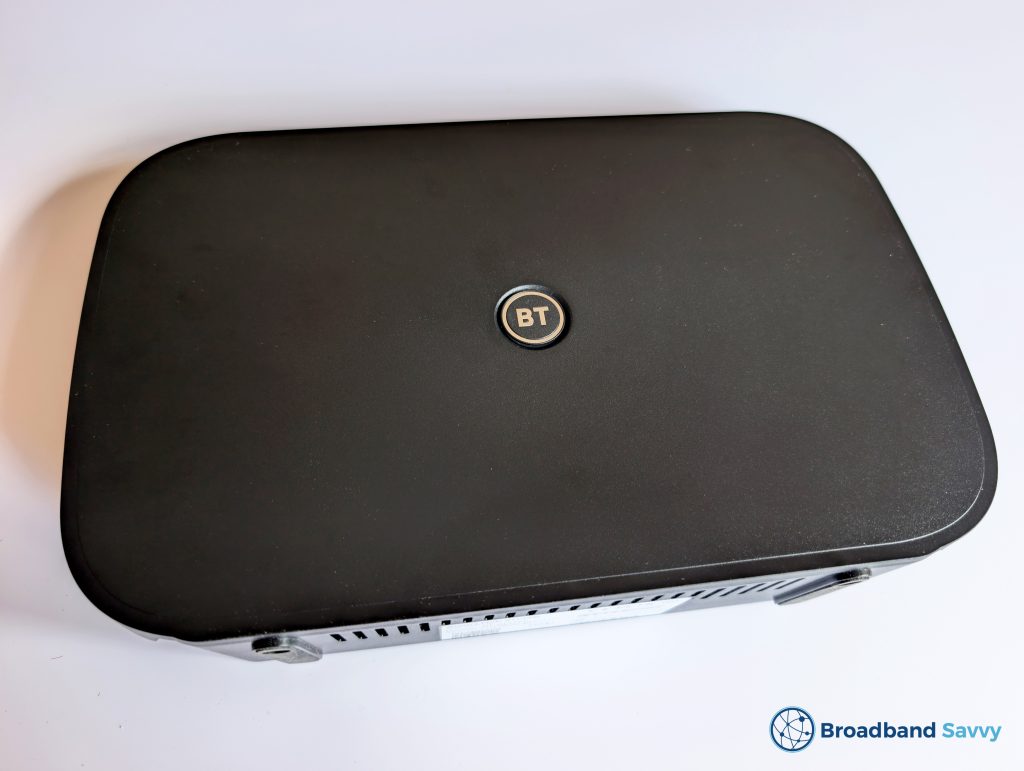
This is a dual-band WiFi 6 router, with four gigabit Ethernet ports, and one 2.5 gigabit WAN port, meaning it will be compatible with faster broadband deals that BT releases in the future beyond their current 900 Mbps maximum.
There are also Braille labels for each port, which is good to see.
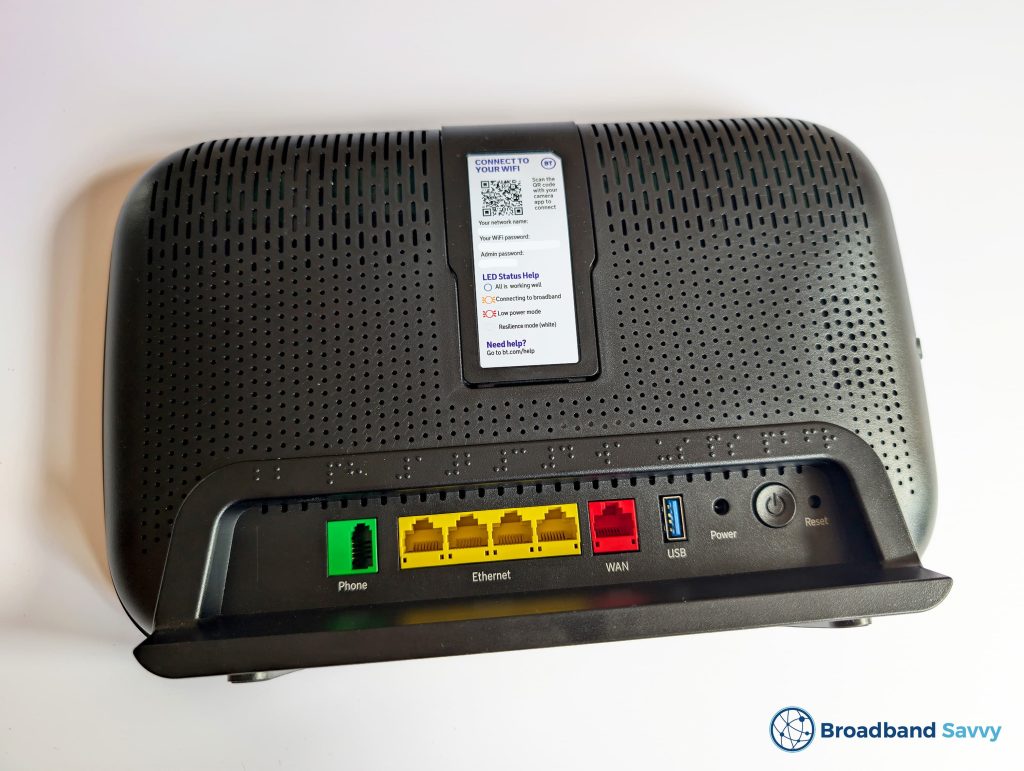
This router is designed for fibre broadband only, and does not come with a broadband socket designed for use with an ADSL or VDSL connection.
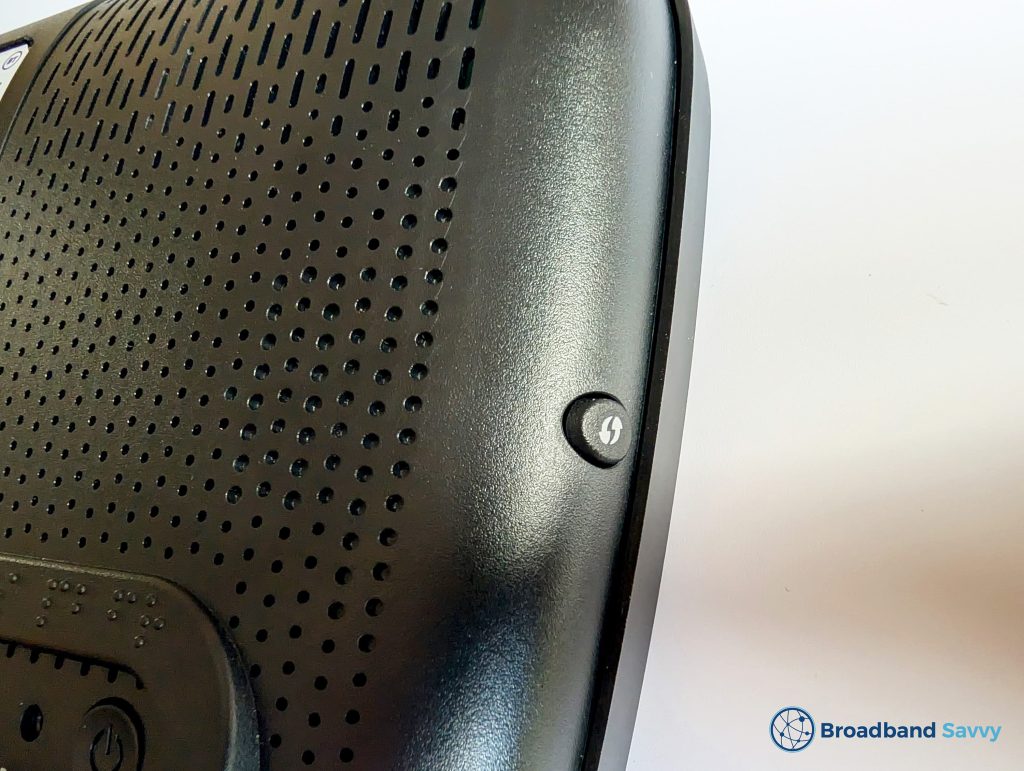
The router also has a USB port, phone port, and WPS button on the side of the device.
The status light is a circle around the BT logo on the front of the router.
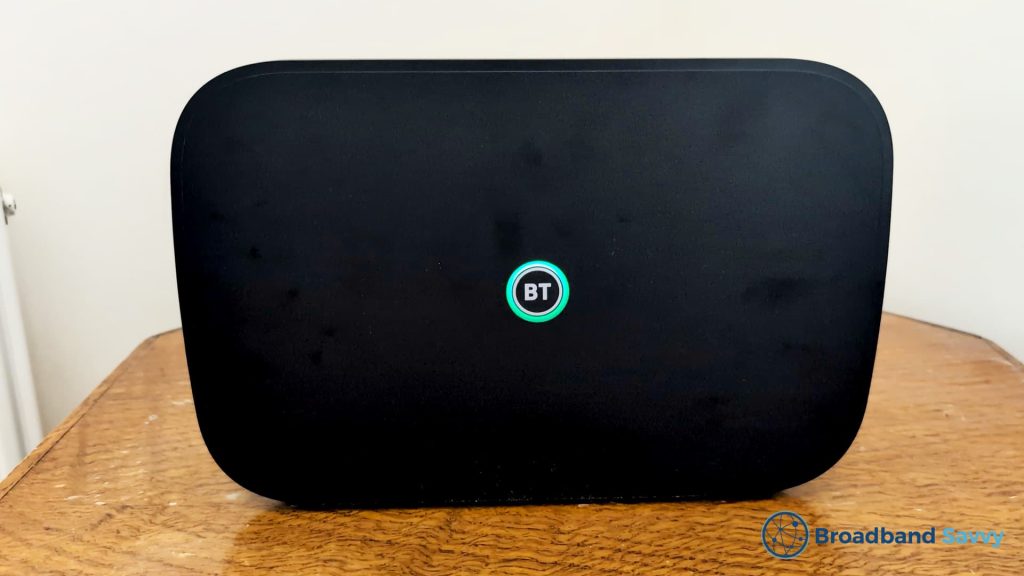
The Smart Hub 3 ships with a very similar admin interface to EE’s current routers – the Smart Hub 7 Plus and Smart Hub 7 Pro – because BT owns EE.
Some settings and options are controlled through the BT app, but we have discussed this later in the article.
This WiFi router is shipped to all new BT Broadband customers, no matter which of their deals you buy.
There is no option to upgrade to a WiFi 7 router on BT’s faster plans, like there is with EE Broadband.
If you are considering buying BT Broadband, you can use this page on their website to find cheaper deals than those available on their main broadband deals page.
The Smart Hub 3 replaces the old Smart Hub 2, which was a WiFi 5 router that BT used to include on all of its deals.
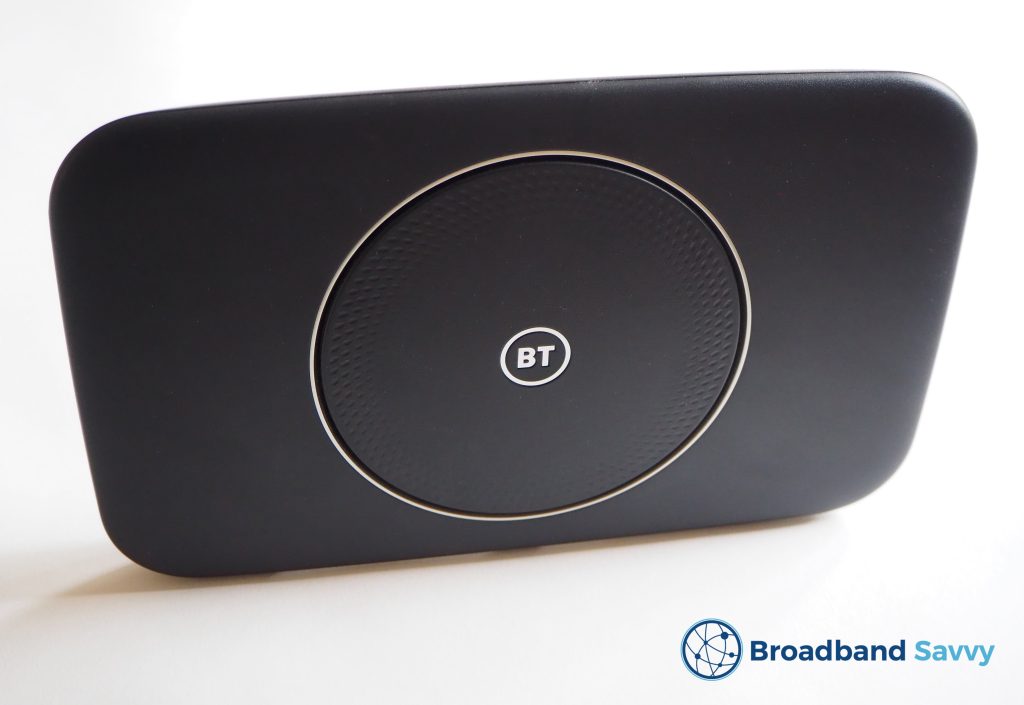
If buying a part-fibre or ADSL broadband plan from BT, you may still receive the Smart Hub 2, as the Smart Hub 3 is only compatible with full-fibre broadband connections.
Plusnet customers still get a Plusnet-branded version of the Smart Hub 2 when buying, no matter which of their tariffs you choose.
Setup process
Getting set up with the Smart Hub 3 is a fairly simple plug-and-play process.
Note that if you are upgrading to Openreach full fibre broadband for the first time at your address, an engineer visit will be needed before you can go live, and they will most likely set up the router for you when they come. However, the process is quite easy if you need to do it yourself.
Once you place your order on the BT website, the router box will arrive a bit before your switchover date.
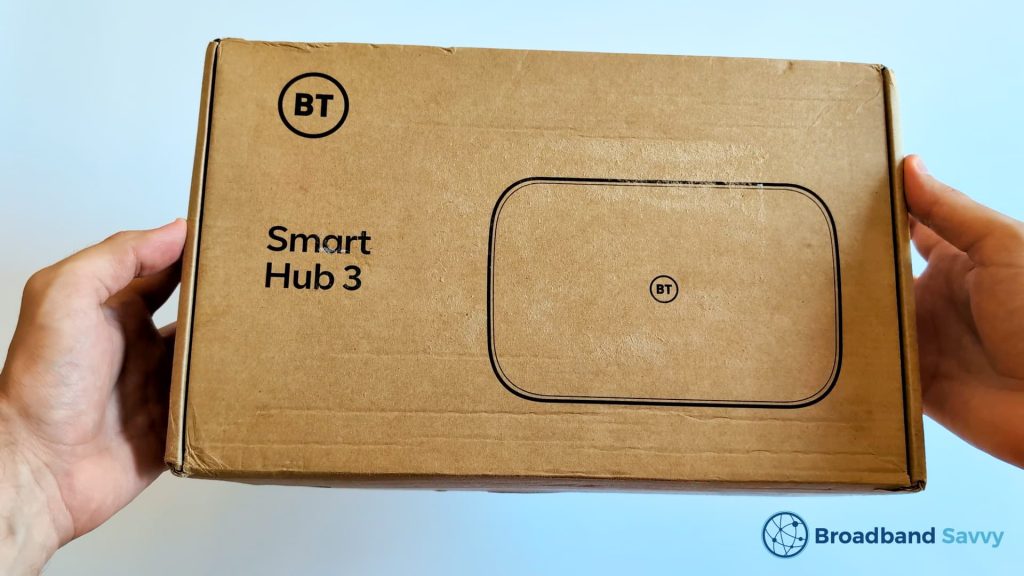
Inside the box, you’ll find:
- The Smart Hub 3 router
- The router power cable
- An Ethernet cable
- A quick start guide for the router
To get started, first take the Ethernet cable, and plug it into the red WAN port on the router.
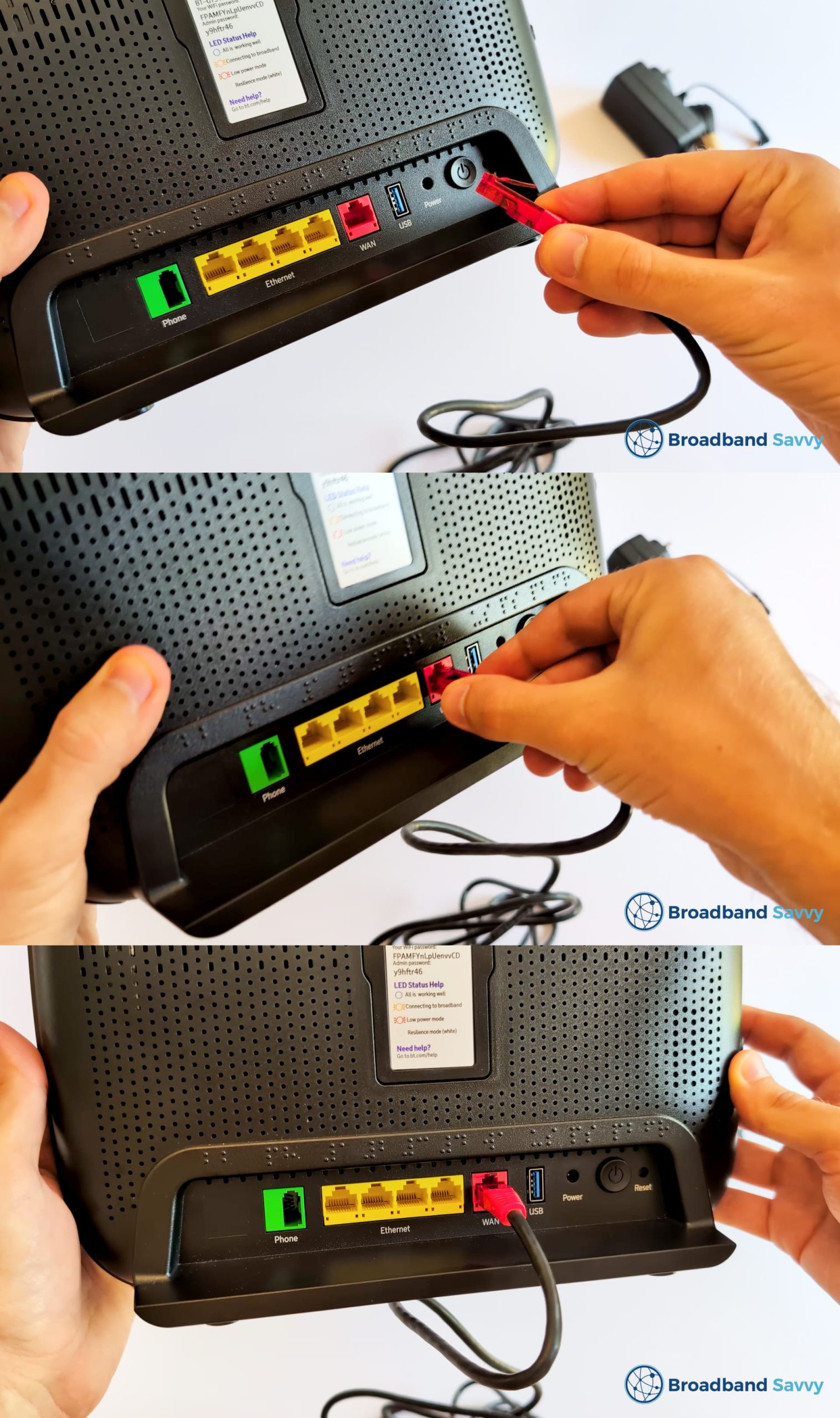
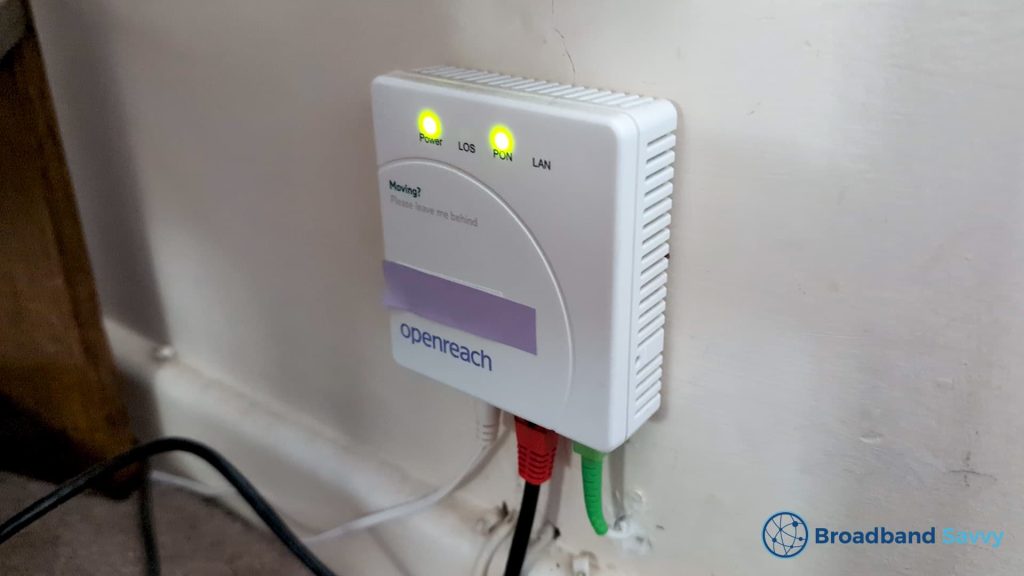
Then, plug the other end into your Openreach ONT box – your fibre broadband port.
Next, get the power cable, and plug it into the power port on the router. Plug the other end into a power socket.
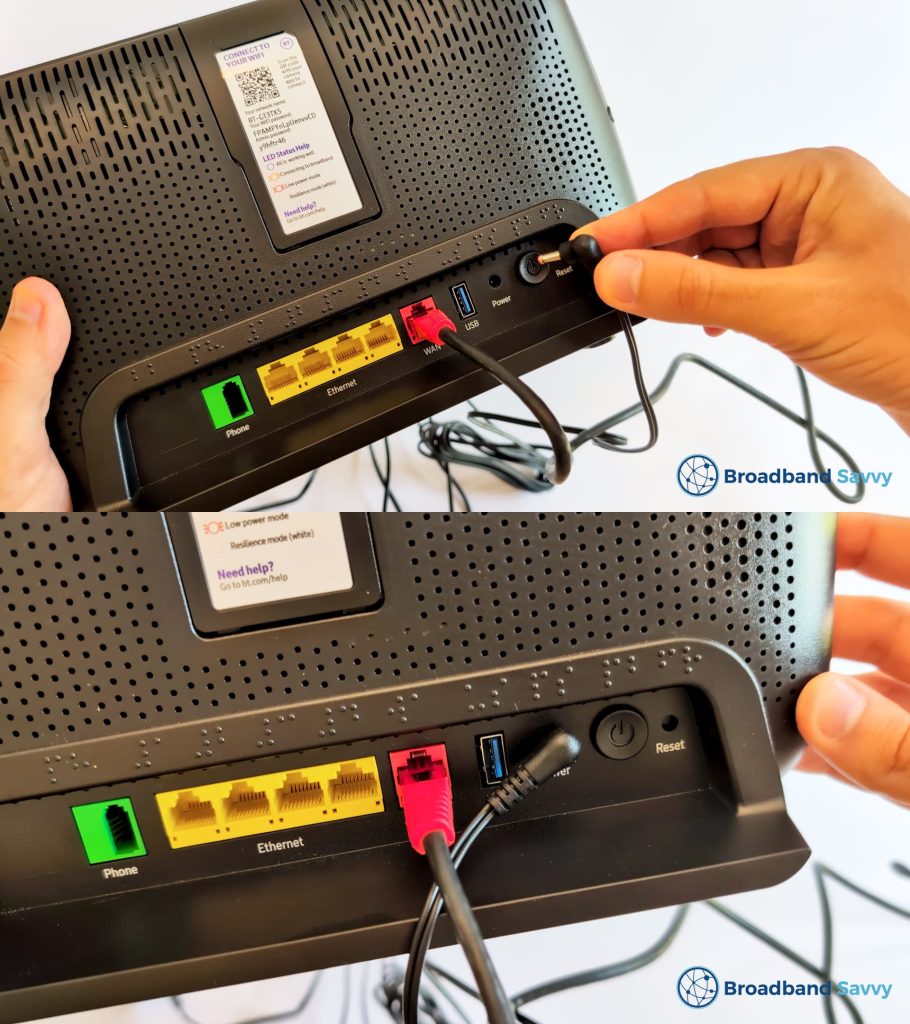
Press the power button on the back of the Smart Hub 3 (shown on the right in the image above), and it will begin setting itself up.
This process will take a few minutes. When it is ready, the light on the front of the router will turn blue.
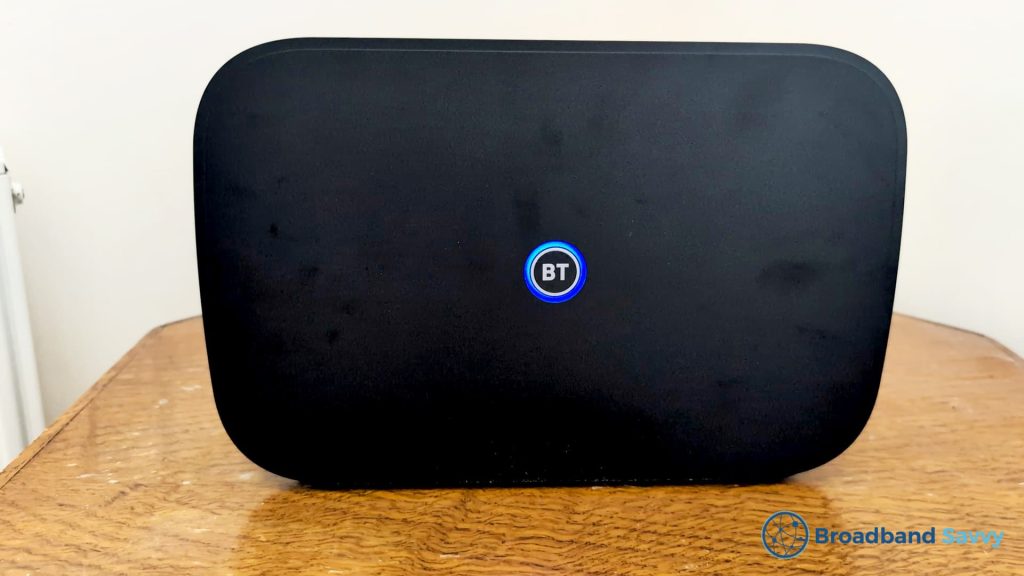
If the light is still red or orange after a few minutes, try to unplug the router from power, leave it for a few minutes, and plug it back in again. Make sure that the Ethernet cable is plugged into the red WAN port on the back of the router, not one of the yellow LAN ports.
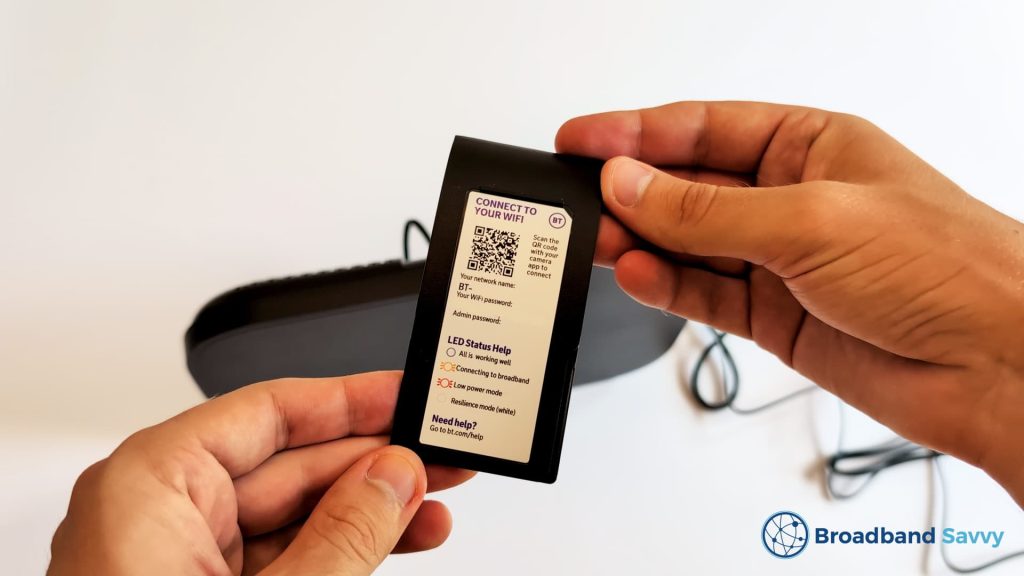
Once the router is ready, you can connect to WiFi using the login details printed on its base.
There is also a plastic card you can slide up and out from the back of the router to take the WiFi login details with you elsewhere in the house.
Settings & options
The Smart Hub 3’s admin portal comes with a more modern user interface than the old Smart Hub 2, though it has many of the same options.
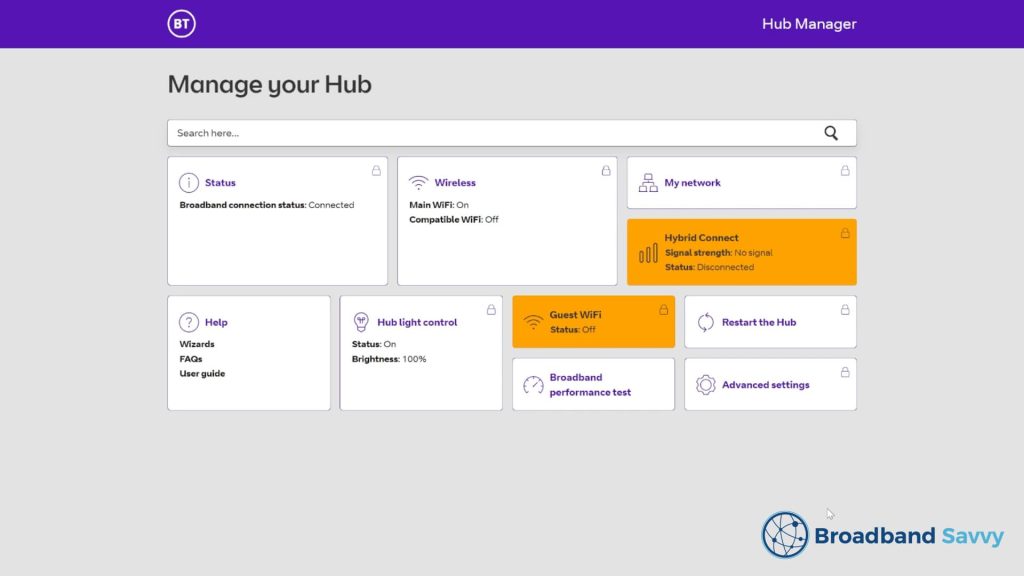
In the web interface, you can do things such as:
- Disable 2.4 GHz or 5 GHz WiFi bands.
- Rescan for new WiFi channels, or choose between certain WiFi channels (on 5 GHz, you can only rescan).
- Set up dynamic DNS.
- Set up BT WiFi extenders.
- Monitor devices connected to the WiFi hotspot.
- Set up a DHCP server.
- Set up DMZ.
- Set up port forwarding.
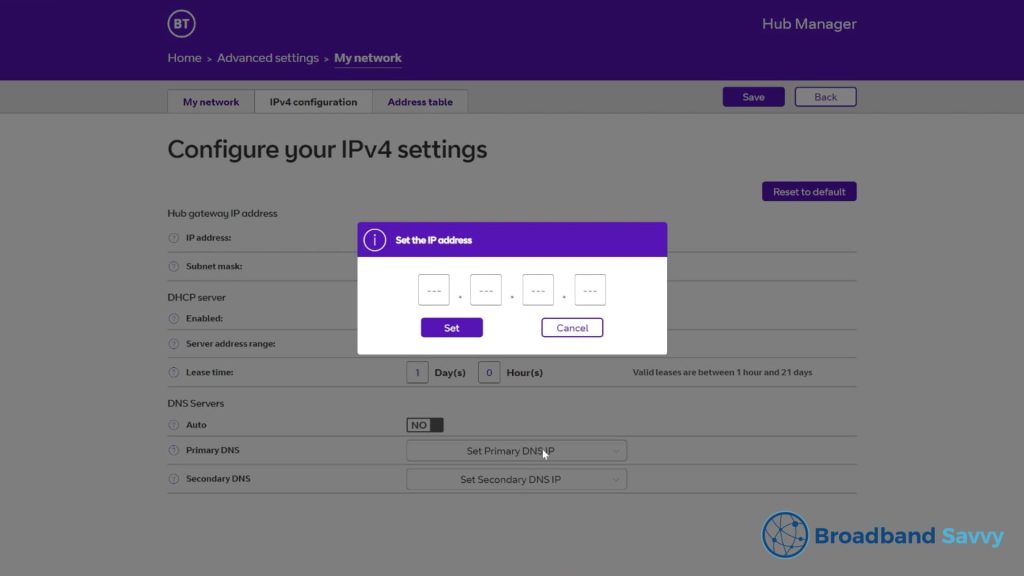
Interestingly, you can now set DNS servers on a router level, which never used to be possible with BT or Plusnet routers. It’s quite good that they have made this available in our opinion.
However, there are some limitations to this router’s range of admin settings:
- You cannot split WiFi bands other than turning 2.4 GHz or 5 GHz completely on or off.
- You cannot set WiFi bands yourself on 5 GHz, you can only prompt the router to scan for new ones.
- You cannot set up a VPN on a router level.
Some other functionality, such as parental controls, is now located in the BT smartphone app rather than the web interface.
WiFi coverage
The WiFi coverage of the Smart Hub 3 is quite good, offering a decent upgrade over the old Smart Hub 2.
Using this router with no WiFi extenders, we could get online throughout a four-bedroom, two-storey house with no issues.
With our BT Full Fibre 900 plan, we had enough speed to do things such as stream 4K video in every room without buffering, using this router’s WiFi hotspot on its own.
We also faced no issues with dropouts or WiFi packet loss when using this router.
Speed tests
Our Full Fibre 900 connection comes with an advertised download speed of 900 Mbps, and an advertised upload speed of 110 Mbps.
Using WiFi at close range to the router, we typically received just about the full speeds on offer from our connection.
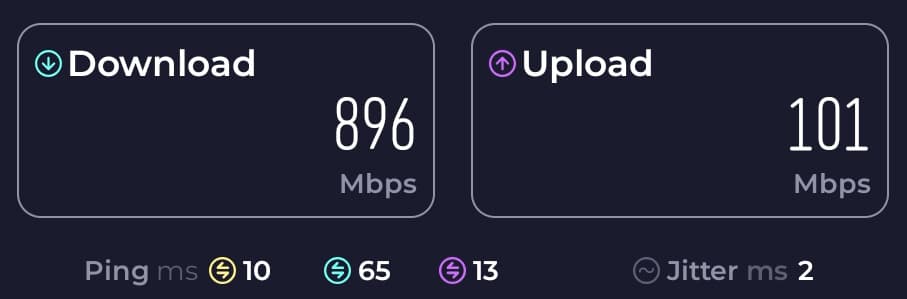
- Download speed: 896 Mbps
- Upload speed: 101 Mbps
- Latency: 10 ms
At longer distance, about two to three rooms away from the router, we normally received a download speed of around 100 Mbps on the low end.
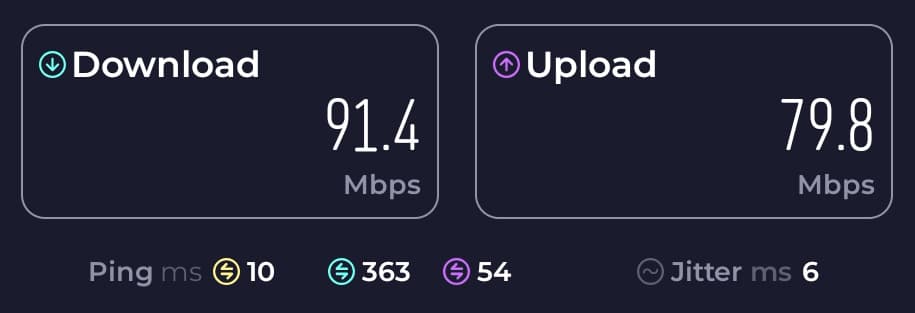
- Download speed: 91.4 Mbps
- Upload speed: 79.8 Mbps
- Latency: 10 ms
This was still plenty of bandwidth to do everything we wanted to do online at home.
However, we have been able to get download speeds of 200-300 Mbps or more at similar distance using more powerful WiFi 7 routers, like the ones offered with EE Broadband at the moment.
Value for money on BT Broadband
The BT Smart Hub 3 performs well, but does BT Broadband offer good value for money given the router it comes with?
We think BT Broadband is good value, but not the best on the market.
They tend to offer low monthly costs, and no setup fees, so their deals can be very price competitive, especially if you order through this link on their website to access their special cheaper offers.
The main drawback to BT Broadband from a value for money point of view though is their subsidiary, EE Broadband, offers similarly-priced deals with a better WiFi router: the WiFi 7 Smart Hub Plus.
EE also offers other benefits you don’t get with BT Broadband, such as extra data or SIM discounts for EE Mobile customers, and they offer faster maximum speeds than BT does as well.
Since BT owns EE, the two companies offer effectively the same service, with the same customer support teams. So if you are considering buying BT Broadband, we would definitely compare their deals to EE’s ones before buying.
Alternatives
As we just touched on, EE’s default routers perform better than the BT Smart Hub 3 at the moment.
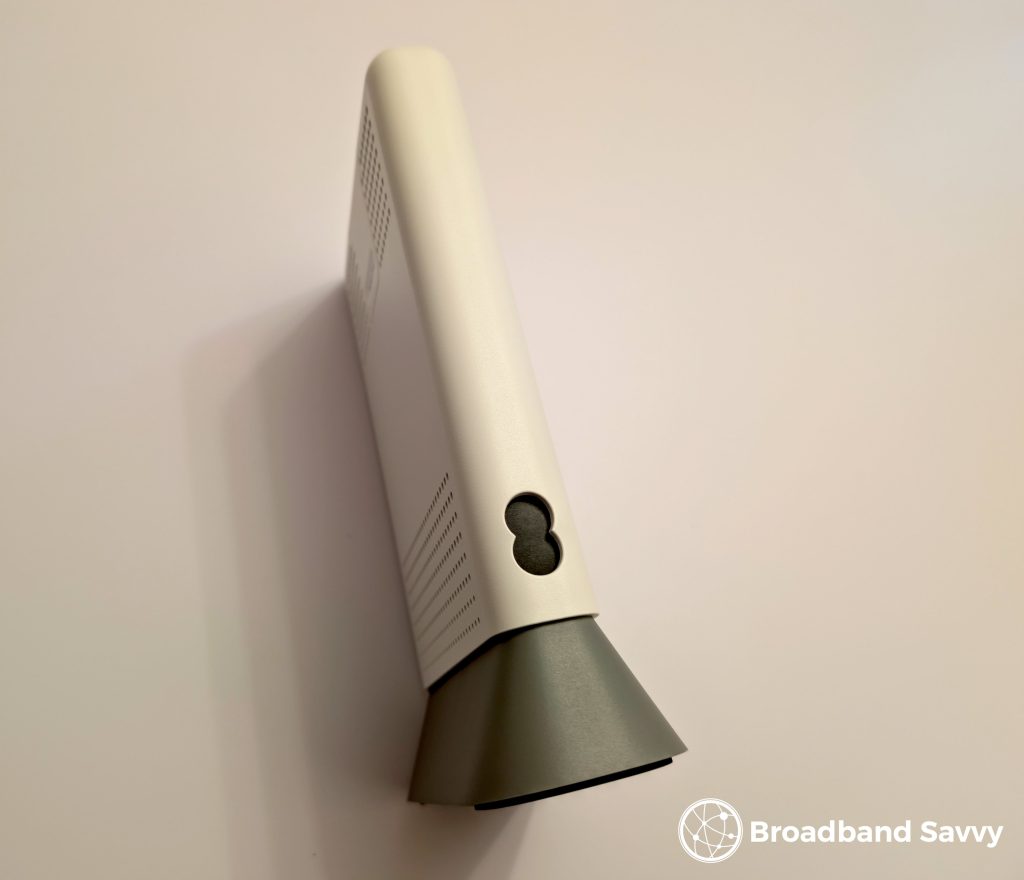
There are two routers that EE is currently shipping to new broadband customers:
- By default, they include their dual-band Smart Hub 7 Plus router on most deals, which is quite similar to the Smart Hub 3, except it comes with WiFi 7, meaning it offers better wireless signal and speeds.
- On their fastest 1.6 Gbps plan, you get EE’s tri-band Smart Hub 7 Pro, which offers even better WiFi – and you can also choose to upgrade to this router on their other deals as well if you’d prefer.
Click here to check which router EE is shipping on each of their deals at the moment.
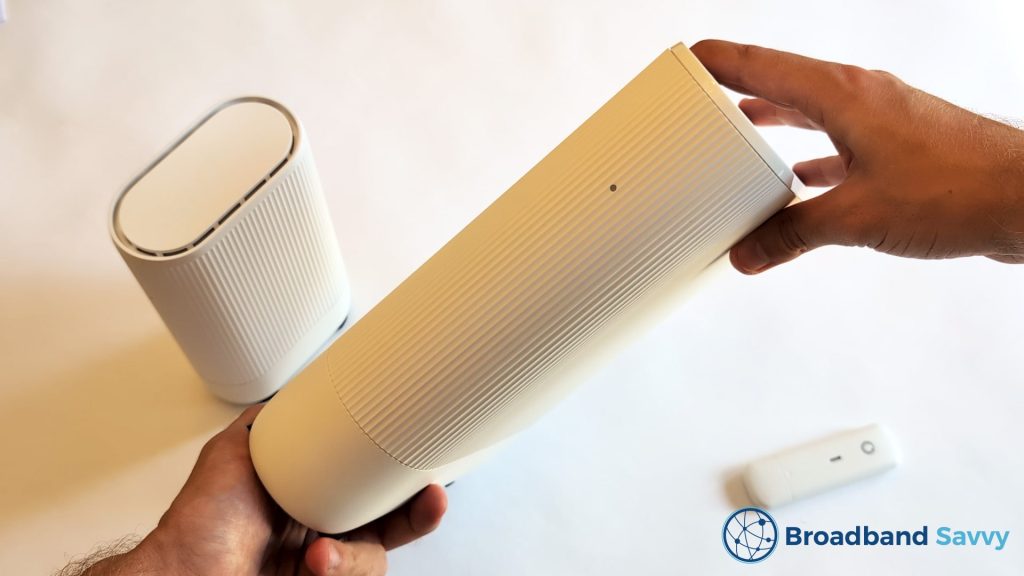
If you don’t necessarily want to stick with BT or one of their sub-brands, Vodafone also offers WiFi 6 routers by default, and often has cheaper prices than BT – click here to check their current offers.
On their more expensive Pro 3 broadband deals though, Vodafone includes a WiFi 7 router, and they also give you WiFi extenders free of charge – up to three, depending on how many you need to get good WiFi throughout the house.
Verdict: should you buy a BT Broadband deal with the Smart Hub 3?
BT Broadband with the Smart Hub 3 is a good option if you want a fairly basic broadband deal for a reasonable monthly cost.
This router is a solid, reliable option from our testing. It’s easy to set up, and isn’t prone to WiFi dropouts or other similar issues like some other providers’ routers are.
It offers good WiFi performance, even at distance, and has a good range of admin options for a provider-supplied router.
Overall, we rate the Smart Hub 3 4.3 out of 5.
We just think that as an overall package, EE Broadband and their WiFi 7 tech offers better value and performance compared to what BT gives you at the moment.
However, BT does offer quite good value for money if you buy through this page on their website that has cheaper offers than their main broadband deals page.
And if you’re unsure which broadband provider to choose, or have any questions about the BT Smart Hub 3, leave us a comment below, and we’ll get back to you.
Related resources
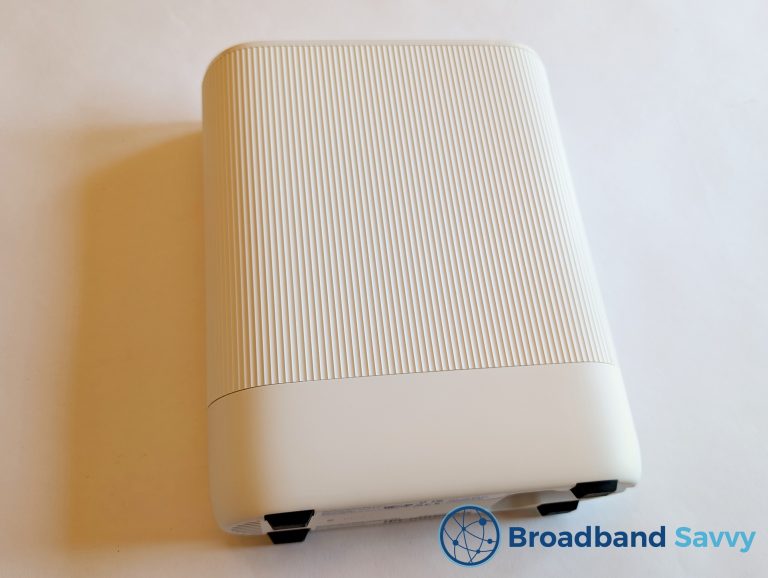
Vodafone Ultra Hub 7 Review | Pro 3 WiFi 7 Router
We review the Vodafone Ultra Hub 7 - a WiFi 7 router shipped by Vodafone Broadband on their Pro 3 Broadband deals.
EE 5G Home Broadband Review | Smart 5G Hub WiFi Router
Learn about EE 5G home broadband. We've tested and reviewed the EE Smart 5G Hub WiFi router to see what speeds it offers.
BT Smart Hub 2 WiFi Router Review – Is It Any Good?
We review the BT Smart Hub 2 WiFi router, to see how it performs compared to other broadband providers' routers in 2026.
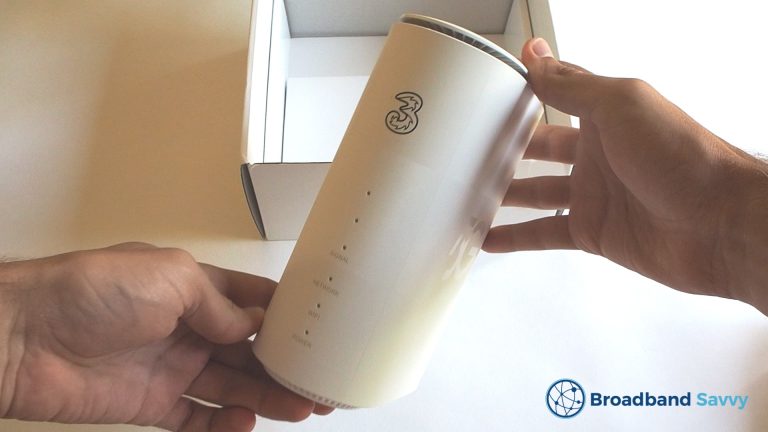
Three 5G Hub Review | Is Three 5G Broadband Any Good?
Read our review of the Three 5G Hub. We unbox the Three 5G home broadband router, do a speed test, and see whether it's...

Tyler is the co-founder of Broadband Savvy. He has been helping people improve their broadband connectivity since 2018 by writing about fibre broadband and mobile broadband providers, as well as creating tutorials to help people improve their broadband speeds and Wi-Fi signal.
Tyler is responsible for the majority of buyer’s guides and broadband reviews published on Broadband Savvy. He has a wealth of experience testing and reviewing different broadband tariffs, including fibre internet plans, as well as 4G and 5G broadband deals. He is responsible for testing and evaluating Wi-Fi routers, performing speed and latency tests, and comparing the value for money of different broadband providers on the market in the UK.
Before co-founding Broadband Savvy, Tyler had a long history of tinkering with computers. He built his first PC at the age of 12, and since then, he’s become obsessed with all things networking and internet-related. He’s a massive gamer, loves Rocket League, and also plays Sunday League football.