
Many renters struggle to get connected to full-fibre broadband.
While the technology might be available on your street, getting it installed at your house usually requires your landlord’s permission. Often, tenants’ requests to upgrade their broadband are refused or ignored.
If you are trying to get fast broadband when renting, here is what we recommend doing to get the connectivity you need.
Contents
The problem
Before you can use full fibre broadband, the last few metres of cable need to be laid from the street to your house, and a new modem needs to be installed on the inside of the property.
In flats and apartments, the network operator will need a wayleave to access common areas of the building to complete their installation. They cannot install fibre broadband under the existing wayleaves used to maintain their existing tech.
The problem is, requests for access to perform these works at tenanted properties are ignored in 25-40% of cases, leaving hundreds of thousands of people unable to upgrade to fast broadband.
What you can do as a renter
1. Make the case for a fibre upgrade
If you can reach your landlord, try to explain to them the benefits to both parties of upgrading to full fibre broadband.
Properties with fast broadband are worth more, and when searching for a place to rent, many tenants would be put off by a lack of access to good connectivity.
The upgrade is free of charge for the landlord, and is a routine procedure that will have been completed at tens of thousands of properties in the nearby area.
Booking in an engineer usually takes one to two weeks, and cannot be done without placing a broadband order at most houses and smaller flats. Therefore, the upgrade cannot be performed or overseen by the landlord in between tenancies unless they take out a 12-24 month broadband contract at the address.
2. Understand and explain the nature of the work
This also relies on being able to actually contact your landlord, or reach them through your letting agent.
But if you can get in contact with the property owner, it’s also helpful to explain what the procedure is going to involve, to help reduce uncertainty.
This can vary slightly depending on the broadband network you are joining. But with Openreach, the work looks like this, and most other providers do something similar.
First, the cable is installed from the street to your house. In almost all cases, this is done using existing ducting that was used for old copper broadband cabling. These ducts usually run under your driveway, or they may use an existing telegraph pole, matching your current copper broadband installation.
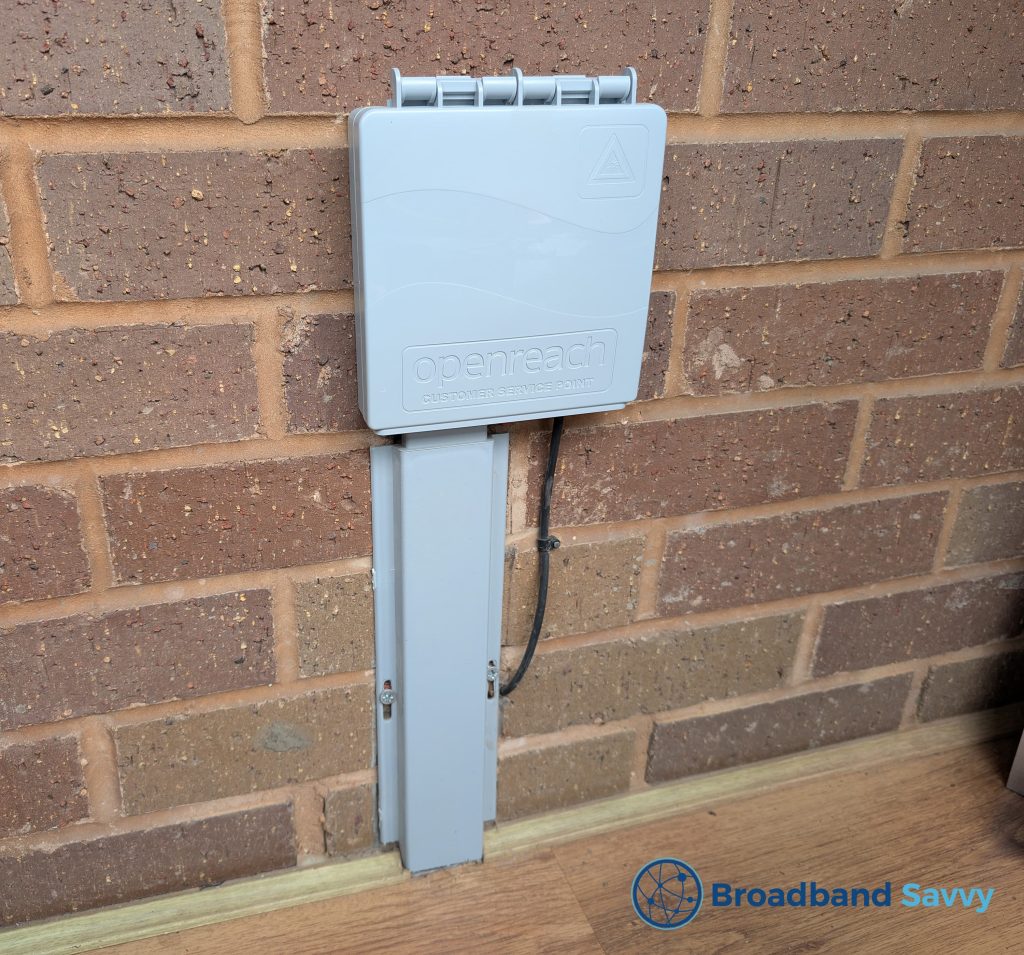
Once the cabling is run to your property, it comes inside. At our address, there is a box located inside the porch.
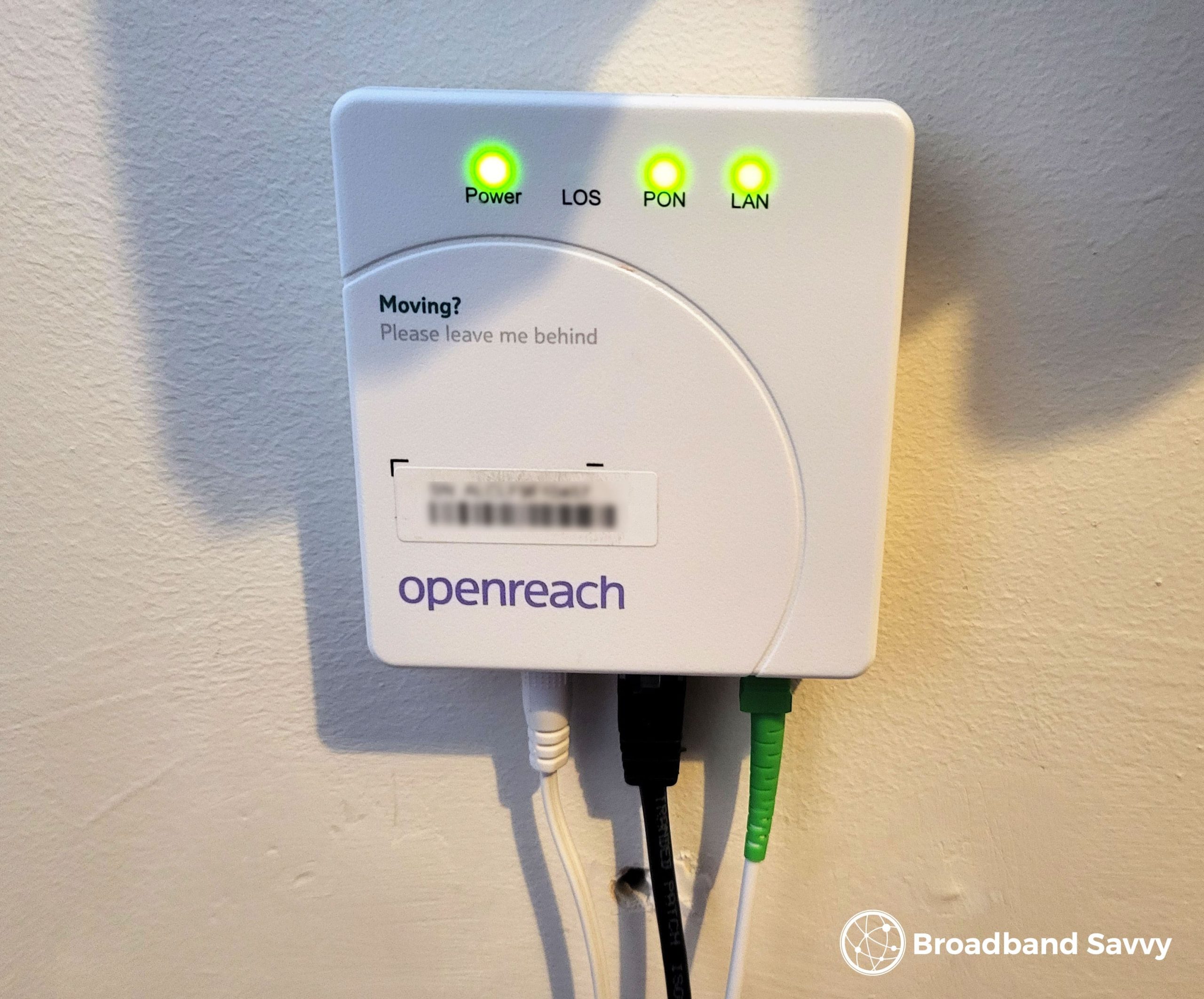
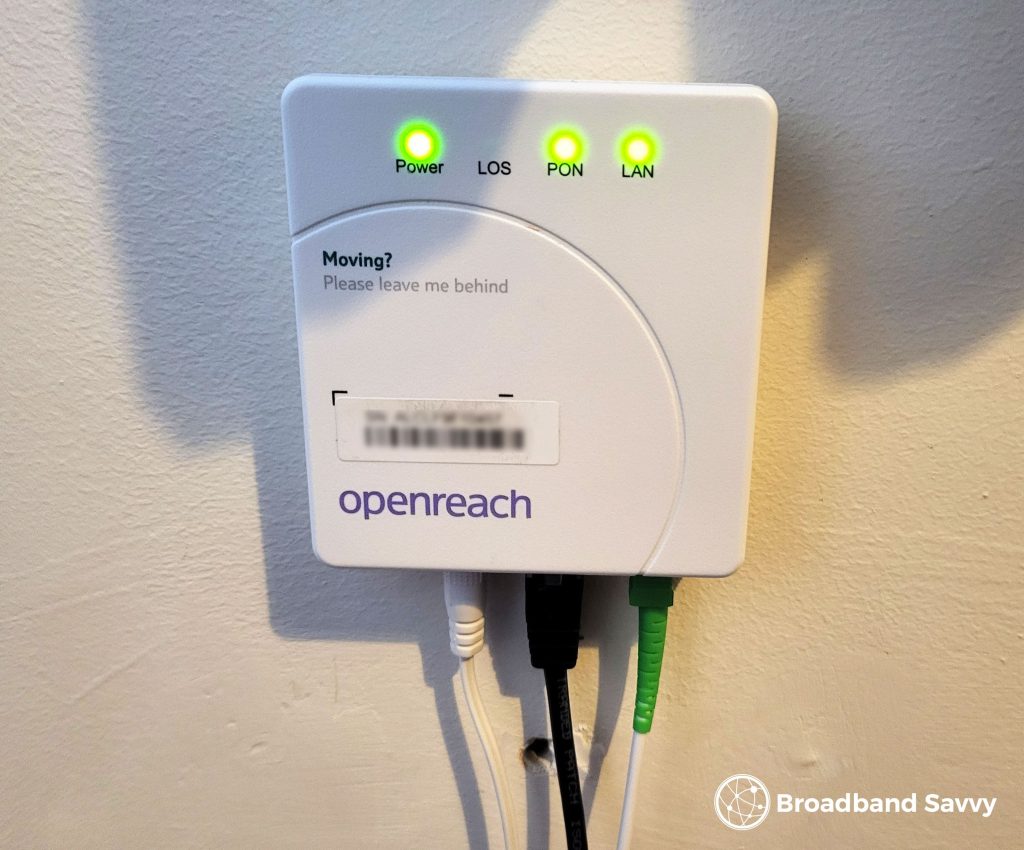
This cabling is then fed inside through the wall, and the engineer installs a modem indoors, also known as an ONT box, which you plug your router into to access the internet.
3. Use 4G or 5G broadband as an alternative
If you cannot get permission to get fibre broadband installed, it’s usually best to use 4G or 5G broadband as an alternative.
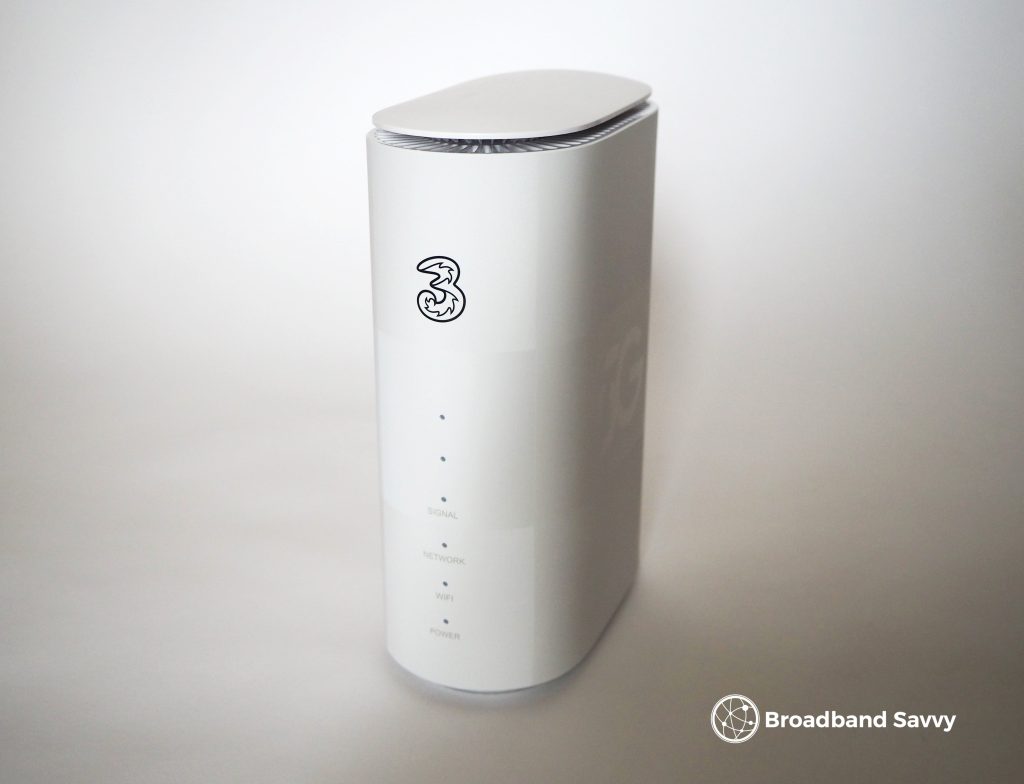
Using this technology, you get a different type of router which takes a SIM card (often included when you buy) and connects to the mobile network to get you online.
This means there is no need to modify the property in any way, and no need to get your landlord’s permission to get started.
4G internet usually offers download speeds of around 30-40 Mbps, which is not ultrafast, but is better than copper, and offers enough bandwidth for video streaming and social media.
On the other hand, 5G internet offers download speeds of 200-300 Mbps or more most of the time, which is competitive with using full fibre broadband.
We recommend checking Three’s home broadband service first, as it is the cheapest, and always comes with unlimited data.
If you don’t have good Three mobile signal though, there is also another company called National Broadband, which will connect you to whichever network has the best performance at your address on 4G or 5G.
You can also read our guide to broadband alternatives to learn more about the different ways to get online without using a fixed fibre connection.
Related resources

How To Switch Broadband Provider | 3 Steps Explained | UK
Learn how to switch broadband provider. We explain the process of changing to a different broadband provider from start to finish.
How To Haggle For A Better Broadband Renewal Deal
Learn how to haggle for a better deal and potentially save hundreds of pounds when renewing your broadband contract.
Broadband Altnets Explained – Should You Buy From One?
Learn everything you need to know about broadband altnets in the UK, including whether or not you should buy from one.

Tyler is the co-founder of Broadband Savvy. He has been helping people improve their broadband connectivity since 2018 by writing about fibre broadband and mobile broadband providers, as well as creating tutorials to help people improve their broadband speeds and Wi-Fi signal.
Tyler is responsible for the majority of buyer’s guides and broadband reviews published on Broadband Savvy. He has a wealth of experience testing and reviewing different broadband tariffs, including fibre internet plans, as well as 4G and 5G broadband deals. He is responsible for testing and evaluating Wi-Fi routers, performing speed and latency tests, and comparing the value for money of different broadband providers on the market in the UK.
Before co-founding Broadband Savvy, Tyler had a long history of tinkering with computers. He built his first PC at the age of 12, and since then, he’s become obsessed with all things networking and internet-related. He’s a massive gamer, loves Rocket League, and also plays Sunday League football.