
Looking for a 5G router you can use to get online at home, without relying on a fibre connection?
In this guide, we’ve taken a look at five of the best 5G routers you can buy at the moment – all of which we have tested and reviewed, and offer fast speeds and good WiFi signal.
We’ve also explained some things to look for in a 5G router, so you know what to keep in mind when shopping.



Contents
Best 5G routers
Below, we’ve taken a look at some of the best 5G routers on the market – some of which come with an attached data plan.
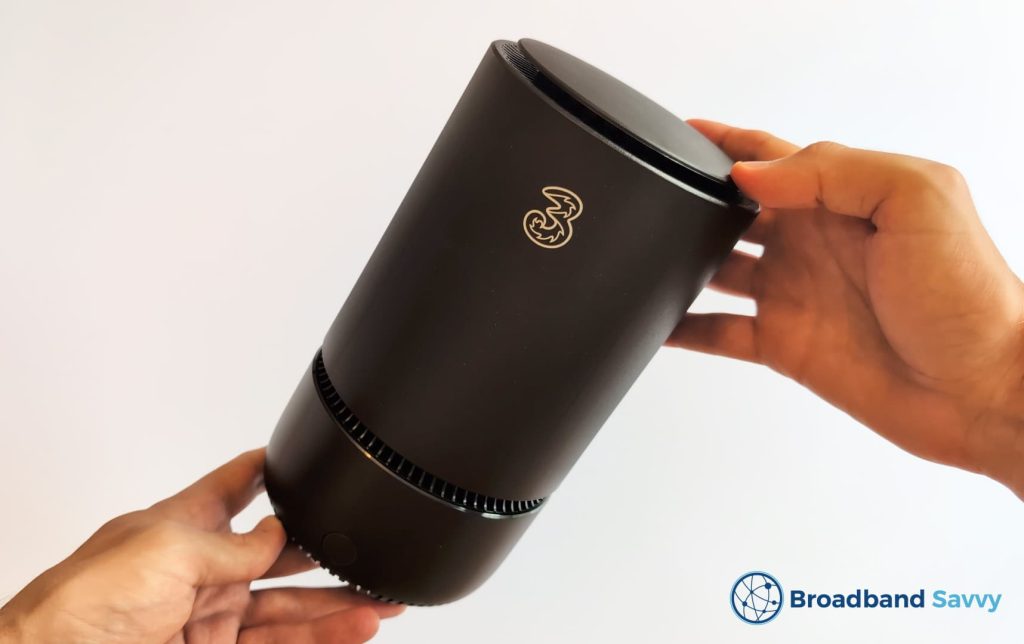
1. Three 5G Hub (ZTE MC888)
The Three 5G Hub is the best 5G router for most people at the moment, in our opinion.
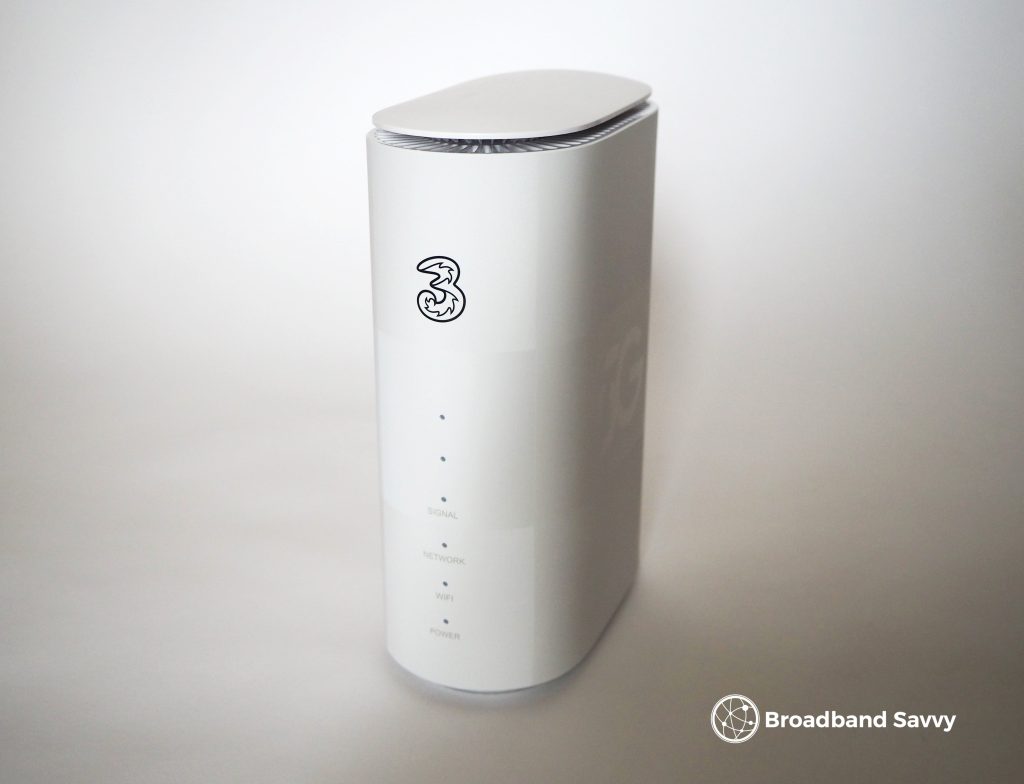
Rather than just selling the router on its own, Three packages it with an unlimited data SIM, giving you everything you need to get online.
Even though it comes with a router and a SIM card, Three 5G internet is still very good value for money, usually with no upfront fee, and a very low monthly cost.
In fact, getting a 5G Hub plan is often cheaper than buying an unlimited SIM deal and a 5G router separately, assuming you can get the 5G Hub at your address (you can check using this page on the Three website).
The ZTE MC888 router Three ships is a good bit of kit, coming with WiFi 6, and offering really good download and upload speeds from our testing.
Three also gives you a 30-day money-back guarantee with the 5G Hub, meaning you can test it and see exactly what the speeds are like at your address before committing to the length of the contract.
The default contract is 24 months, so you do have to commit for a while, but a 1 month option is also available most of the time.
For most people, the 5G Hub is the cheapest way to get 5G internet, and it offers really good speeds and WiFi signal. This router is also very easy to set up, and you can get help from Three if you need it, which isn’t the case when buying a router and a SIM card separately.
Just note, Three’s coverage checker may also push you towards their 5G Outdoor Hub, which comes with an external antenna, depending on the strength of the 5G signal in your area.
Pros
- Very good value for money.
- Fast download and upload speeds.
- 30 day return policy.
- Easy to set up and get online.
Cons
- 24 month default contract, though a 1 month tariff is usually available as well.
2. Vodafone 5G Internet (Greenpacket E5-250MA)
Vodafone also offers a very similar 5G router bundle to what Three has available.
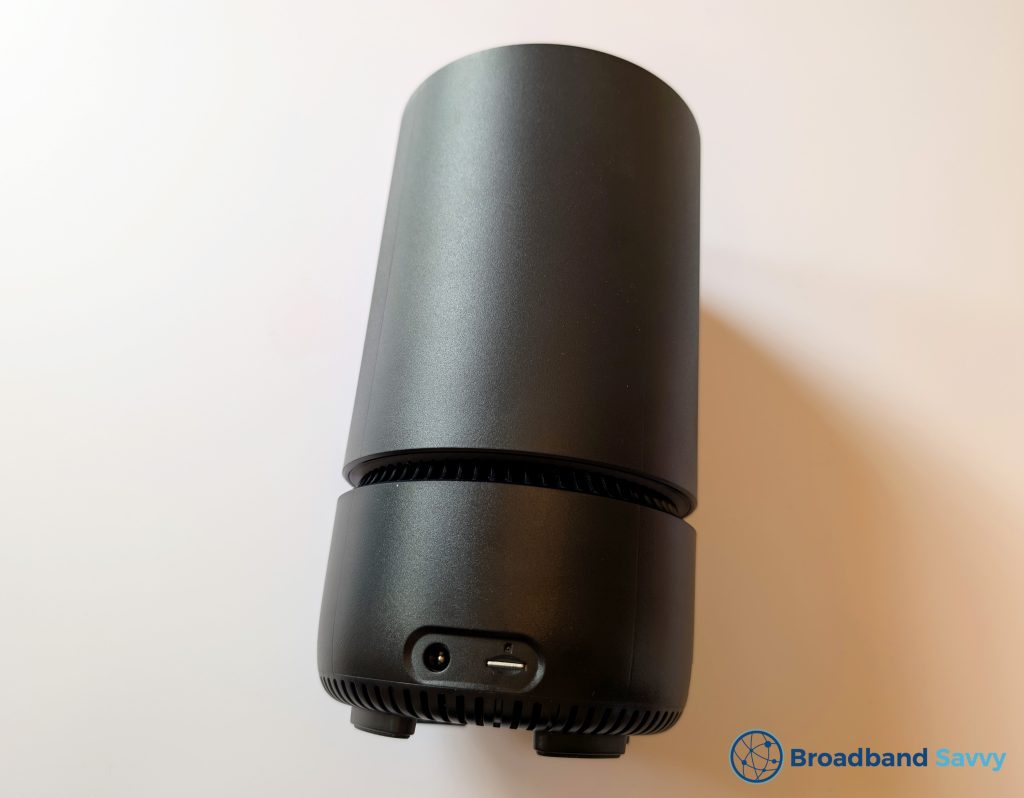
This router is a Greenpacket E5-250MA, which comes with WiFi 6, and offers very strong WiFi signal from our testing – enough to get online throughout a four-bedroom house, with download speeds of at least 40-50 Mbps in each room.
Vodafone also includes unlimited data with their 5G broadband deals, and gives you the flexibility of choosing between a 1 month, 12 month, and a 24 month contract, which is great.
The downside to Vodafone compared to Three is, they have speed limits on their 5G internet deals. The router is capped to just 50 or 150 Mbps, depending on the plan that you choose.
150 Mbps is still plenty of bandwidth for most families, but you can get 300-400 Mbps or more with some other SIM providers, from our testing.
Plus, while Vodafone 5G home broadband is cheap, it’s not normally priced as low as Three Home Broadband is.
In saying that though, unlimited data is still included, and Vodafone has good, UK-based customer support, making it easy to get help getting the best possible speeds and signal.
Essentially, we think that if you can’t get the Three 5G Hub at your address, Vodafone’s 5G router is definitely worth checking out.
Pros
- Good customer support.
- Comes with an unlimited data SIM.
- Low monthly costs.
Cons
- Both bundles have speed caps.
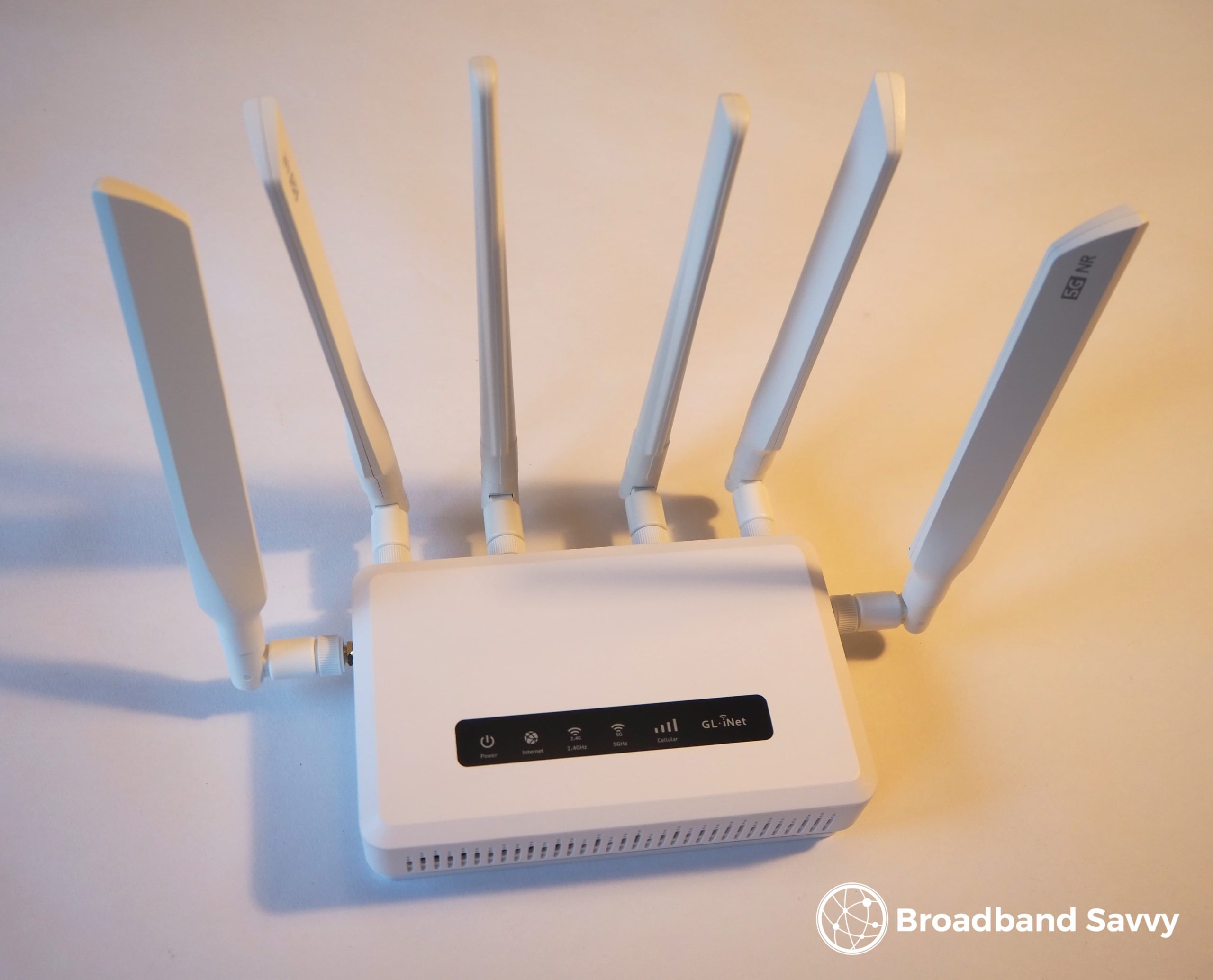
3. GL.iNet GL-X3000
If you just want to buy a 5G router on its own, the GL.iNet GL-X3000 is a great choice.
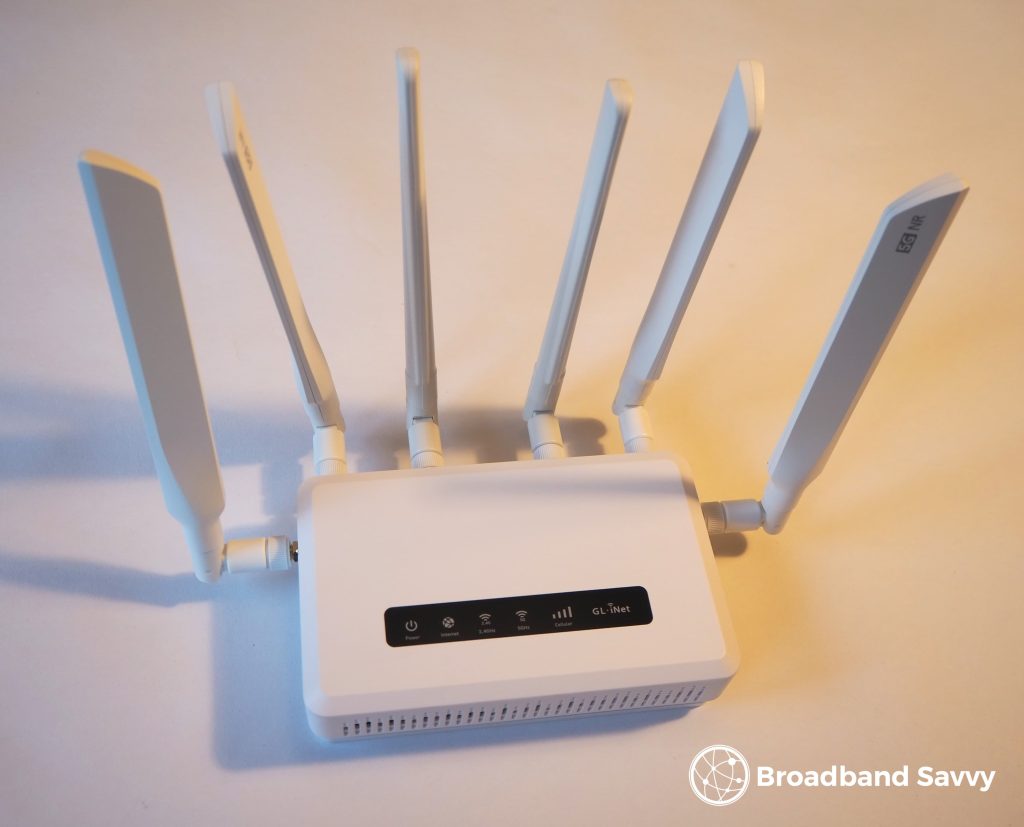
This is a really advanced 5G router, as you can see from the bunny-ear WiFi and mobile signal antennas it has sticking out of it.
The X3000 comes with not one but two SIM slots, meaning you can have one main and one backup mobile network if you’d like, though obviously you will need two simultaneous SIM-only plans to do this.
The X3000 offers really fast speeds and WiFi performance – its WiFi signal range is about the best of any 5G router we’ve ever tested.
It’s also easy to set up, though it does take a bit of time to screw all the bunny ear antennas into the device. Once you get live, there’s also a huge range of customisation options available in the router’s admin settings, allowing you to do things like set up a VPN on the router, prioritise devices on the network, and even install custom plugins to access even more advanced capabilities.
The one issue with this router is, it’s quite expensive. You get what you pay for, especially in terms of speeds, but there are cheaper 5G routers on the market.
Pros
- Offers really good speeds and WiFi signal.
- Easy to set up.
- Comes with dual SIM slots.
- Great range of admin options.
Cons
- Quite expensive.
4. TP-Link Archer NX500
This is another really good 5G router that’s a fair bit cheaper than the GL.iNet model we just reviewed.
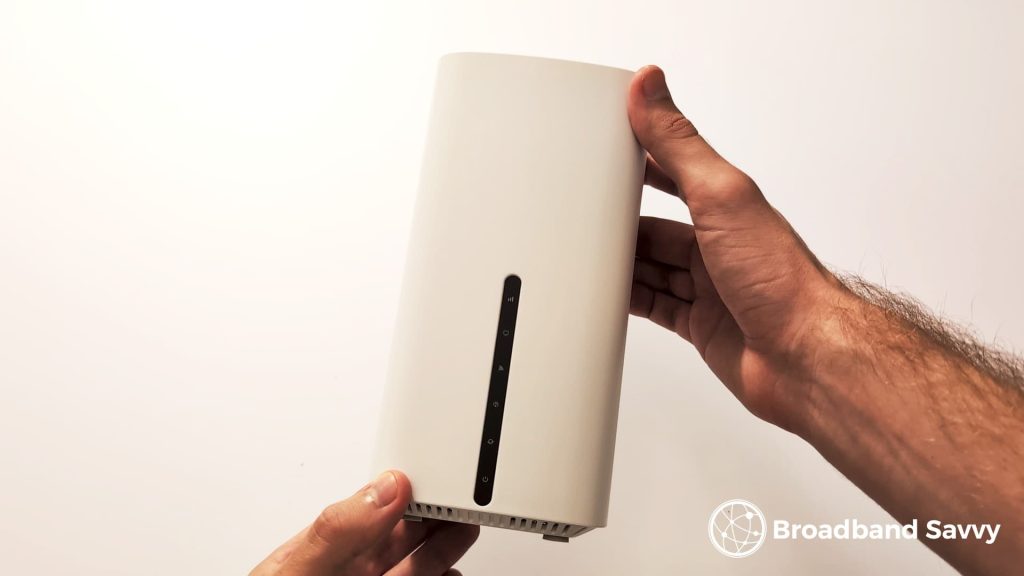
We like this router for its simplicity and performance.
Getting started is very easy – you just insert the SIM card, plug it in, wait for it to connect to the 5G network, log into its WiFi hotspot, and get online. There’s no need to install any antennas or anything like that.
But even as a cheaper router, the NX500 has really good performance for home broadband use.
With it installed on an upstairs windowsill in order to get the strongest possible 5G, we could still get online on the other side of the house, with decent download speeds.
We typically saw around a 300 Mbps download speed with this router on the Three network, which is quite good for our area. But it also has two SMA ports on the back, meaning you can use it with an external antenna to potentially get even better speeds.
On the whole, if you don’t need a very advanced 5G router with functionality such as dual SIM slots, we’d definitely recommend looking at the TP-Link NX500.

Pros
- Great WiFi and speed performance.
- Easy to set up.
- Good value for money.
Cons
- A bit basic.
5. National Broadband 5G Internet (TP-Link Archer NX200)
National Broadband is another company that provides a complete 5G internet service, with a router and SIM card included.
They’re currently shipping the TP-Link Archer NX200 to new customers, which is a really good, simple bit of kit.
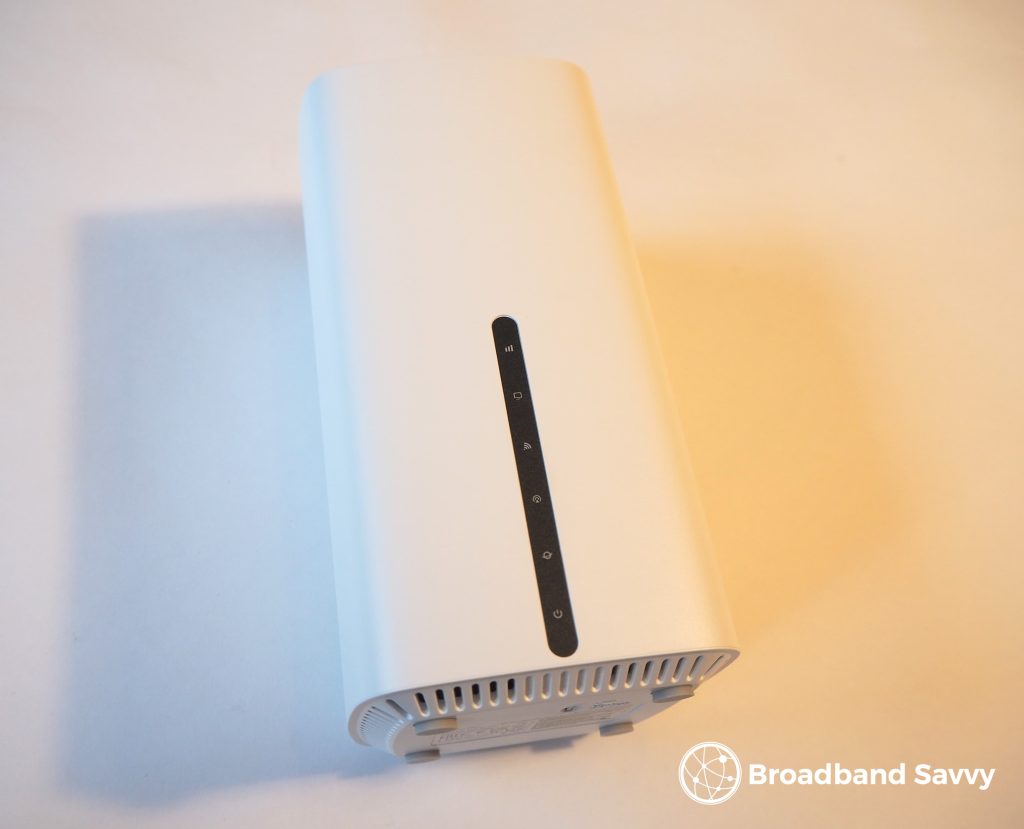
It’s not an advanced, expensive router like the GL.iNet GL-X3000, but still comes with WiFi 6, and offers great speeds and signal, even in fairly large houses.
The best thing about National Broadband though is they will survey your address to find the best 5G network for you to use, when you buy.
This includes networks like EE, which has the best 5G signal in many parts of the UK, but is very expensive to buy a SIM from directly.
You’ll get everything you need to get online from National Broadband, including the router and an unlimited data SIM. Then, once you’re live, you’ll have access to their UK-based support team, which is quite good at helping you get the most from your connection.
The only downside to National Broadband is though, their monthly costs are a bit higher than buying something like the Three 5G Hub.
Pros
- Offers access to all of the major mobile networks.
- Great WiFi router.
- Includes unlimited data.
- UK-based support.
Cons
- More expensive than some other bundled 5G router and SIM products.
What you need to know when buying
In this section, we’ve explained some key things it’s important to keep in mind when buying a router for 5G home broadband.
How 5G routers work
5G routers work just like any other home broadband router, except that rather than plugging into a broadband socket on your wall, they take a SIM card and connect to the 5G network to help you get online.
To get started, you just insert the SIM card into the router, plug it in, and it will connect to the mobile network. You can then connect to the router’s WiFi hotspot to get online on all your computers, phones, and other devices.
Getting a data SIM for your router
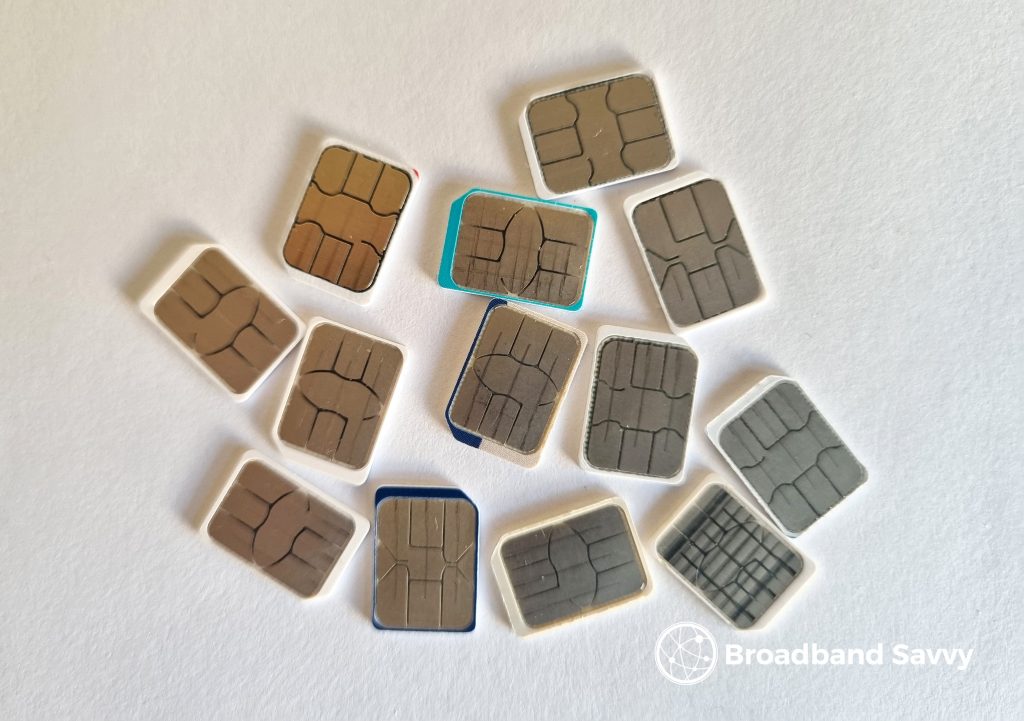
To use a 5G router, you will need a SIM card to pair with it.
Many mobile networks sell 5G routers bundled with a SIM plan, such as Three and Vodafone. However, you can also buy a separate SIM and router if you’d prefer.
If buying your own SIM, you don’t necessarily need to search for a “data only” plan. Regular SIMs will work fine in most cases.
The main things to think about when choosing a SIM plan are:
- How good your mobile signal is on the network you’re joining.
- Whether the SIM has enough data for your needs.
You can use each major network’s coverage checkers, linked below, to see how they will likely perform in your area. You want to see the network offering good indoor and outdoor 5G signal at your address before buying.
The good thing about some 5G internet bundles, like Three’s one, is they give you a certain period of time to set up the router and test the speeds, to see what the service is like in your area.
If you aren’t happy with the speeds you’re getting on the 5G Hub, you can return the router within 30 days to get a full refund from Three.
What to look for in a 5G router
Here are some good things to look for when buying a 5G router:
- Good WiFi signal – this is a bit subjective and can be hard to tell from product descriptions, but we have tested all of the routers reviewed on this page and confirmed they offer good wireless signal and speeds. In general, WiFi 6 or WiFi 7 is a good first thing to look for.
- Good admin options – especially if you want to customise things such as splitting WiFi bands, changing WiFi channels, or modifying APN settings. Some also come with extra functions that can be good to have, such as signal gauges.
- External antenna ports – this is not essential, but can be good to have in case you want to upgrade your connection with an externally-mounted antenna in the future.
- A money-back guarantee, if buying a bundled router and SIM. This allows you to test the connection and its speeds at your address before committing to the length of the contract.
- A good warranty – two years is standard, but some routers come with three or four-year guarantees.
5G routers vs fibre broadband
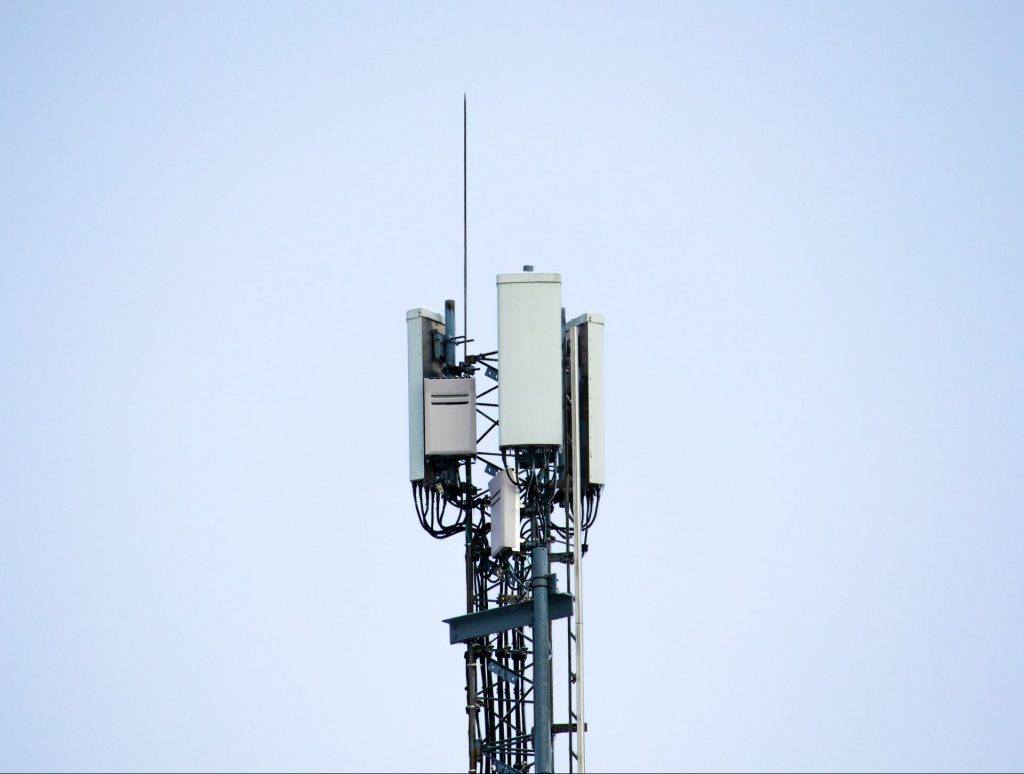
5G routers allow you to get online in much the same way as fibre broadband, but there are some key differences between the two technologies:
- 5G is much more flexible. You can pick up the router and use it anywhere in the UK you get at least 4G signal, rather than being limited to just having service at a single address.
- 5G internet is typically cheaper than fibre, compared to getting a fixed-line plan with a similar 300 Mbps or so download speed.
- 5G routers tend to offer less consistent latency compared to a fibre connection. This is mostly an issue for people playing competitive online games, such as Counter-Strike.
- Mobile SIM plans sometimes come with monthly data limits, which isn’t the case when using fibre.
- Fibre broadband is harder to get started with, often requiring an engineer visit. 5G routers are very easy to set up yourself by comparison.
FAQs
What speed will I get with a 5G router?
The speed you’ll get with 5G broadband depends a bit on the signal strength available at your house.
In a suburban area with good signal, we tend to get a 300-400 Mbps download speed and about a 10-20 Mbps upload speed, using Three 5G.
With their Outdoor Hub external antenna, we saw downloads of 400-500 Mbps, and uploads of 40-50 Mbps. 5G internet can be faster than this though, in certain areas.
However, if you are on a plan with a speed cap, or only get weak 5G signal, you might be limited to a download speed of more like 100 Mbps or so.
What can I do to maximise my 5G internet speeds?
To get the best possible speeds with 5G internet, apart from choosing a network with strong signal in your area, the next-best thing you can do is install the router in the right place in your house.
You want it to be somewhere it can receive strong 5G signal. An upstairs windowsill is usually a good spot.
If you have an Android phone, you can use our Signal Test app to see where exactly in the house you get the strongest mobile network signal.
Do 5G routers support 4G?
Yes. If you move somewhere with 4G signal, your 5G router will fall back onto the 4G network.
Are there any router brands to look out for, or avoid?
From our testing, we like ZTE and TP-Link routers. They’re good value, easy to set up, and perform well.
GL.iNet is also good but has fewer models available to choose from, and tends to be expensive.
We also like Greenpacket, but their routers are designed a bit differently – the status lights can be somewhat confusing sometimes for example.
We would recommend avoiding no-name brands you haven’t heard of before when shopping for a 5G router. But most of the well-known companies’ products tend to perform well, if you choose the right model.
What should I expect to pay for a good 5G router?
Most good 5G routers cost around £160 as a starting point, though this can go up to £300-£400 for more advanced models with functionality such as dual SIM slots.
Which mobile network should I use?
Each mobile network has pros and cons. For 5G specifically:
- Three is generally the best, with the fastest average speeds.
- EE is also very fast and has really good coverage, but their SIM-only plans are very expensive.
- Vodafone performs well, and is beginning to integrate the Three network since their recent merger, but sometimes has speed limits on its plans.
- O2 has the slowest average 5G speeds, and their SIMs are not that cheap.
The most important thing is that you choose a network that performs well in your area.
As we touched on before, this can be hard to judge ahead of time. But if you have a SIM on a given network already, or can borrow one, we recommend running some speed tests on your phone to get an idea of your baseline performance – keeping in mind that you should get slightly faster speeds with a 5G router compared to with a mobile handset.
How much monthly data do I need?
If you’ll be using your 5G router as your main way of getting online at home, we really recommend pairing it with an unlimited data SIM plan.
You may be able to get away with 50-100 GB per month if it’s only one or two people at home, and you only use the internet for a few hours a day, with not many data-intensive activities being performed (such as streaming HD video).
Should I use an external antenna?
5G routers come with internal antennas, located inside the device, which they use by default to connect to the mobile network.
However, some devices have antenna ports, which you can use to connect an external antenna to them, like the one shown below.
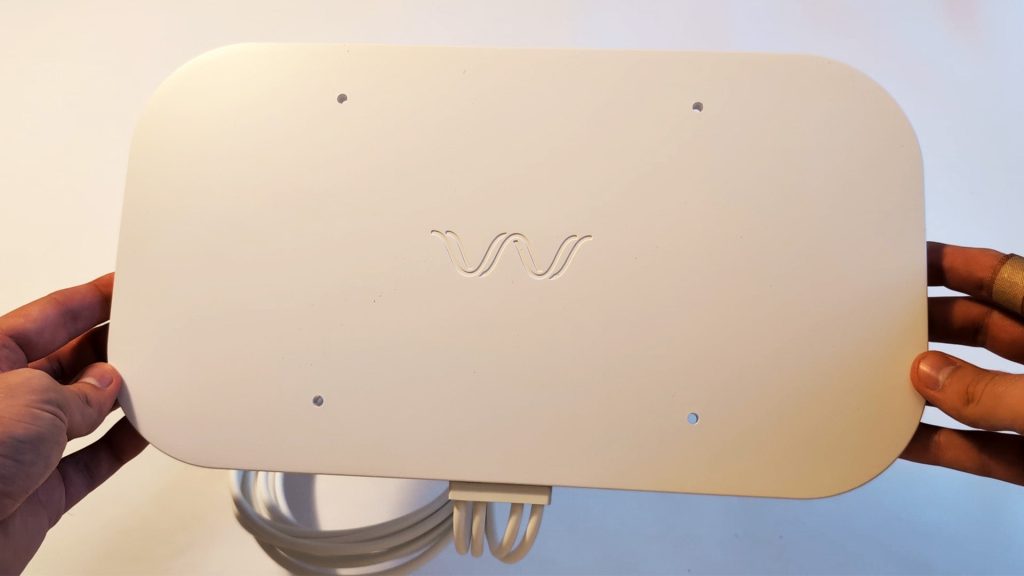
These external antennas are designed to be mounted externally on your property, picking up better mobile signal than an antenna inside the router can.
In general, you can get a good speed boost using an external antenna. They can also help you get 5G speeds in areas with weak indoor 5G signal.
However, they can be expensive, and involve a bit of work to set up and install.
Overall, external antennas are not necessary to use in most cases, but they can be a good option if you want to absolutely maximise your speeds.
Conclusion
This is the end of our guide to the best 5G routers on the market at the moment.
If you’re still not sure what to buy, leave us a comment below, and we’ll get back to you as soon as we can.
Related resources
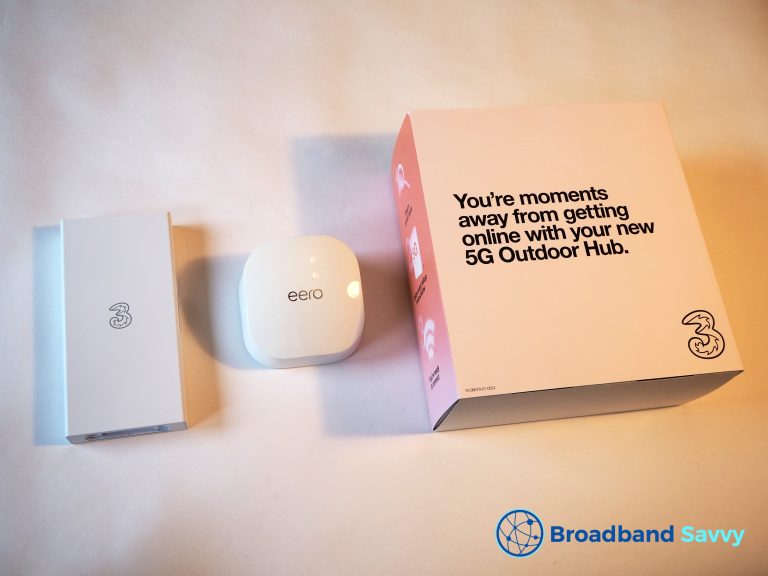
Three 5G Outdoor Hub Review | External 5G Antenna
Learn about the Three Outdoor 5G Hub, including what it's like to set up and use, and what download and upload speeds it offers.
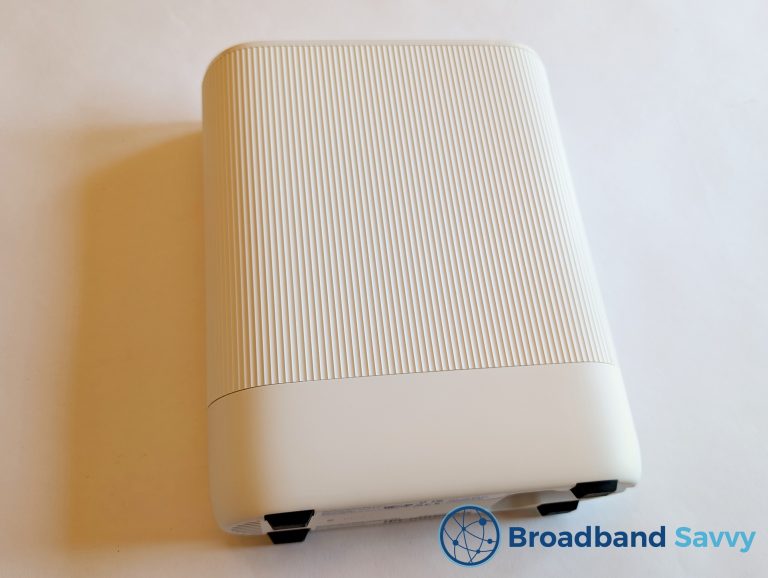
Vodafone Ultra Hub 7 Review | Pro 3 WiFi 7 Router
We review the Vodafone Ultra Hub 7 - a WiFi 7 router shipped by Vodafone Broadband on their Pro 3 Broadband deals.
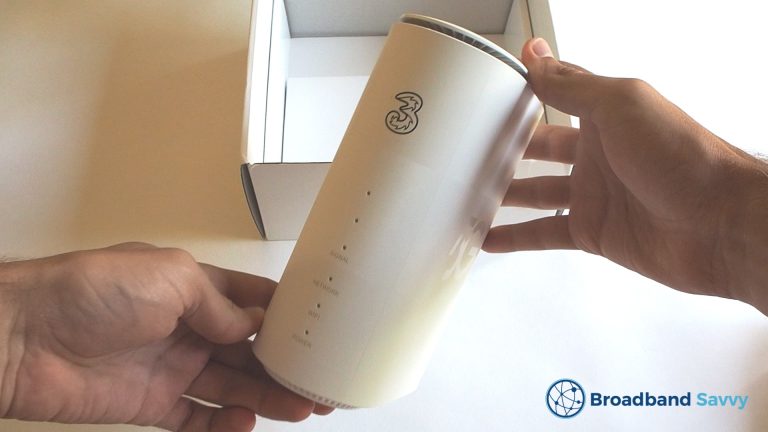
Three 5G Hub Review | Is Three 5G Broadband Any Good?
Read our review of the Three 5G Hub. We unbox the Three 5G home broadband router, do a speed test, and see whether it's...
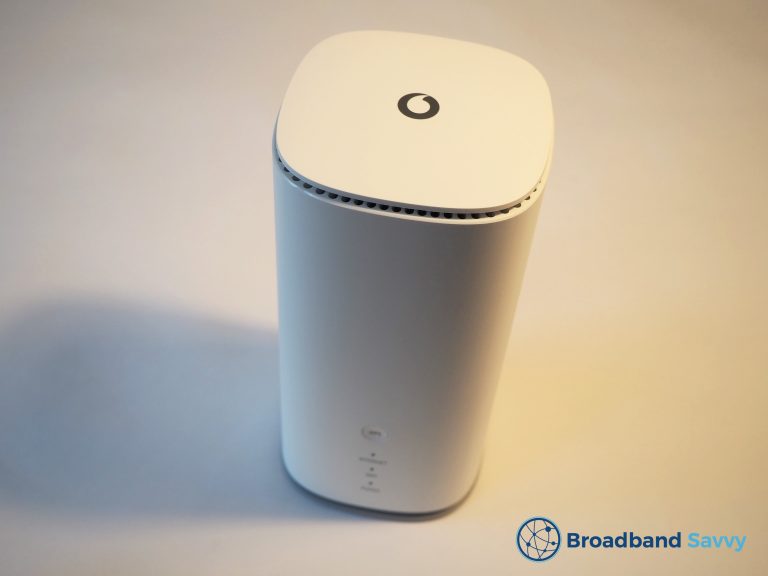
Vodafone GigaCube Review | 4G & 5G Home Broadband Router
Discover whether Vodafone 4G/5G broadband is any good. We review their GigaCube mobile broadband router, to see if it's worth buying.

Tom is the founder of Broadband Savvy. He has nearly 10 years’ experience writing broadband tutorials, reviewing routers and internet service providers, and explaining broadband-related concepts. Tom is experienced as a writer, has appeared on national radio and in national newspapers, and also produces videos for the Broadband Savvy YouTube channel.
He currently specialises in writing content for Broadband Savvy designed to help people understand broadband jargon and terminology, increase their download and upload speeds, and improve their Wi-Fi connectivity. Tom also occasionally contributes to buyer’s guides and review articles on Broadband Savvy, utilising his knowledge of the broadband market in the UK.
When he’s not writing about broadband, you’ll find him hiking somewhere or playing on his Nintendo Switch.